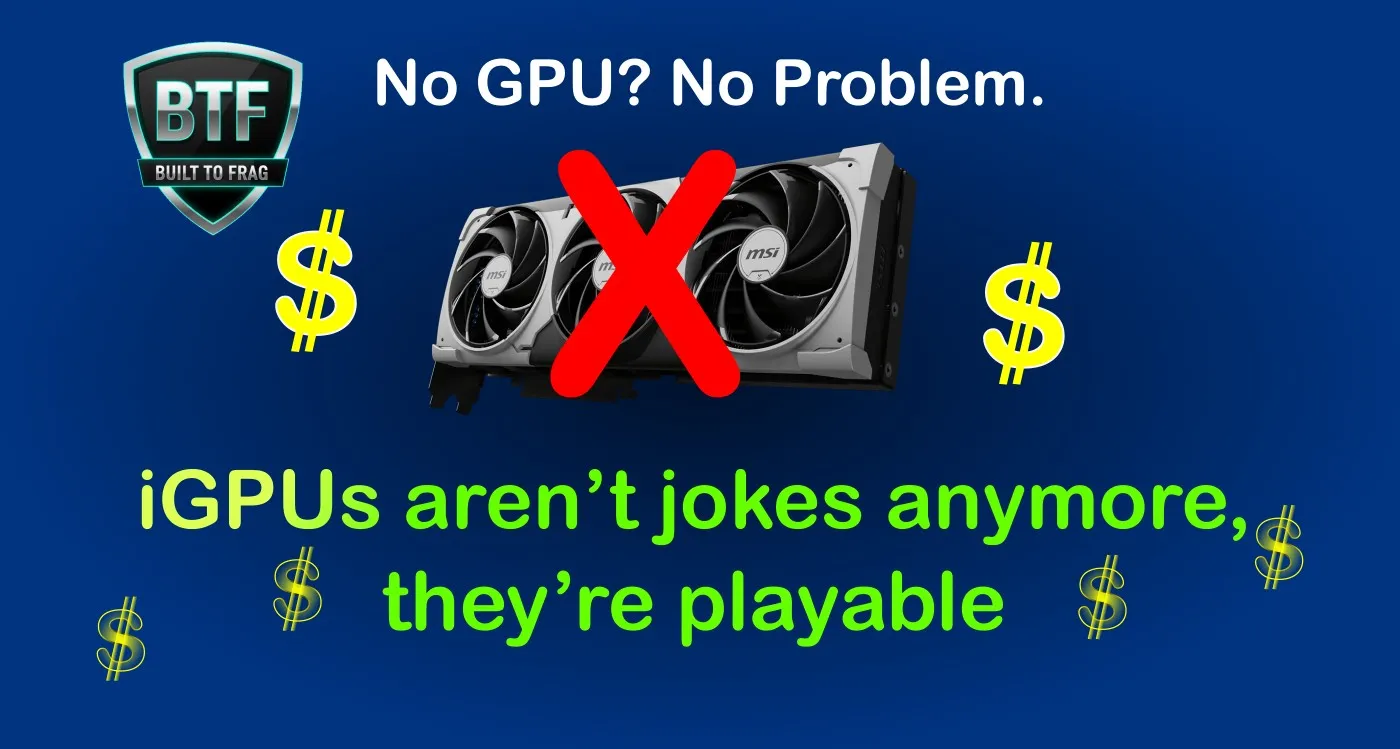
Yes, you can build and game on a PC without a dedicated graphics card — but your processor must provide integrated graphics capable of producing the display output. A PC with neither usable integrated graphics nor a dedicated GPU will not normally give you a usable display.
For gaming, the important distinction is even bigger. A Gaming PC Without a GPU can work well, but having integrated graphics does not automatically mean they are fast enough for games. Modern gaming-focused APUs can handle esports titles at 1080p and more demanding games at reduced settings or resolutions, while basic integrated graphics may be suitable for desktop use but poor for gaming.
A no-GPU gaming PC can therefore make sense if you want the cheapest possible starting point, a small and quiet system, or a machine you can use now and upgrade with a dedicated graphics card later.
Can a PC run and game without a GPU?
| Question | Short answer |
|---|---|
| Can a PC run without a graphics card? | Yes, if the processor has usable integrated graphics and the motherboard provides a compatible display output. |
| Can you game without a dedicated GPU? | Yes, with sufficiently powerful integrated graphics and realistic settings. |
| Can every CPU do this? | No. Some processors either have no integrated graphics or have graphics intended mainly for basic display use rather than gaming. |
| Can I add a graphics card later? | Usually yes on a normal desktop build, provided the case, motherboard and power supply were chosen with that upgrade in mind. |
Bottom line: if gaming is the goal, do not simply ask whether the CPU has graphics. Ask whether its integrated GPU is actually fast enough for the games you want to play.
Best current integrated graphics options for a no-GPU gaming PC

For a desktop that will rely entirely on integrated graphics for gaming, AMD’s Ryzen 8000G processors remain particularly relevant. The Ryzen 5 8600G uses Radeon 760M graphics, while the Ryzen 7 8700G uses the stronger Radeon 780M. Both use the AM5 platform and DDR5 memory, which also leaves a practical route to a dedicated GPU later.
The Ryzen 5 8600G is the more value-focused option. The Ryzen 7 8700G makes more sense when extracting the maximum possible performance from a socketed desktop iGPU matters more than keeping the initial cost down.
Intel also offers processors with integrated graphics, while newer mobile Core Ultra systems can include substantially stronger Arc graphics. The important warning is that Intel graphics capability varies considerably between processor models, particularly between desktop and mobile parts, so never assume that every Core Ultra chip provides the same gaming performance.
The same rule applies to AMD. Many modern Ryzen processors can provide a display without a dedicated graphics card, but that does not make every Ryzen iGPU equivalent to the Radeon 760M or 780M found in the gaming-focused G-series parts.
If you already own AMD integrated graphics and want to know what games are realistic for your hardware, our games for AMD Radeon integrated graphics guide separates the different performance tiers.
Three smart ways to build a gaming PC without a dedicated GPU
There is no single perfect no-GPU machine. The right choice depends on whether you care most about price, integrated graphics performance, or compact size.
| System type | Best for | Main compromise |
|---|---|---|
| Budget desktop APU | Cheapest upgradeable gaming PC | Lower performance in demanding games |
| Strong desktop APU | Best socketed desktop iGPU performance | Higher cost starts approaching CPU + GPU alternatives |
| Mini PC / laptop iGPU | Small, quiet and efficient gaming | Little or no internal GPU upgrade path |
Build 1: Budget APU gaming PC
This is the sensible starting point if you want an inexpensive desktop that can game today and accept a dedicated graphics card later. A Ryzen 5 8600G-class setup is particularly attractive because its Radeon 760M graphics are strong enough for lighter and competitive games without forcing you into the price of the flagship APU.


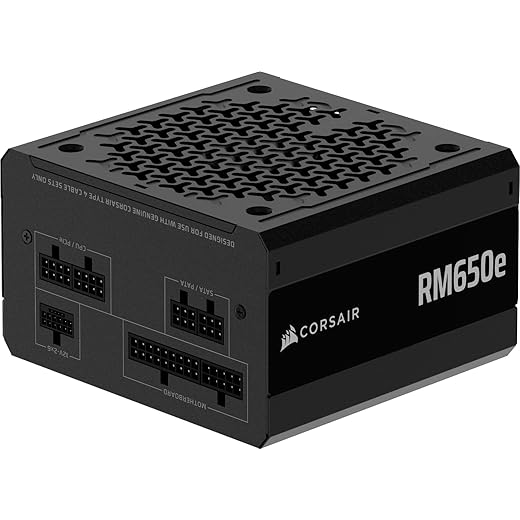


Best for: esports, indie games, older AAA titles, general desktop use, and gamers who intend to install a graphics card later.
Performance expectation: aim primarily at 1080p Low to Medium in lighter games. Demanding games may require 900p or 720p, lower settings and upscaling.
Upgrade path: a normal AM5 desktop gives you room to add a dedicated GPU later. Just make sure the power supply and case are suitable for the type of graphics card you eventually intend to install.
Build 2: Strong desktop APU gaming PC
If you specifically want the strongest socketed desktop integrated graphics rather than the lowest possible price, the Ryzen 7 8700G and its Radeon 780M are the more capable option.
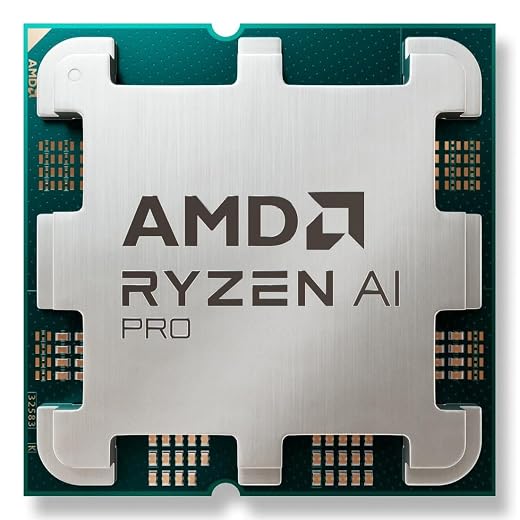


Best for: higher frame rates in esports, stronger performance in lighter 1080p games, and people who want to delay buying a dedicated graphics card without building on an obsolete platform.
The catch: once an APU build becomes expensive enough, always compare its total price with a cheaper CPU plus an entry-level dedicated GPU. Integrated graphics are convenient, but convenience does not automatically make them the best performance-per-dollar choice.
Upgrade path: you can add a dedicated GPU later, but do not assume the existing power supply, cooling and case are automatically appropriate for every future graphics card.
Build 3: Compact iGPU gaming system
Modern mini PCs and laptops can offer surprisingly capable integrated graphics without the size, heat output or power draw of a normal gaming tower. Current AMD Ryzen AI and Intel Core Ultra mobile platforms include models with much stronger integrated graphics than basic office-oriented iGPUs.


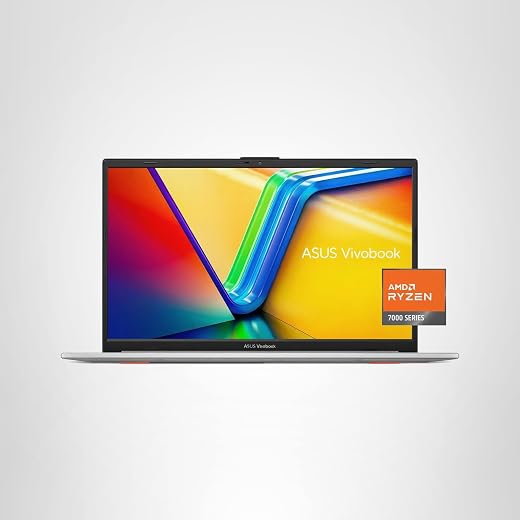
Best for: dorm rooms, small desks, living-room systems, portable gaming and anyone who values low noise and low power use more than internal expandability.
The catch: the exact processor and memory configuration matter enormously. Two mini PCs carrying similar processor-family names can perform very differently if one uses a weaker integrated GPU or poorly configured memory.
Upgrade path: RAM and storage may be upgradeable on some models, but an internal desktop graphics-card upgrade normally is not. Buy one of these because you want compactness, not because you expect it to become a conventional gaming tower later.
What gaming performance should you realistically expect?
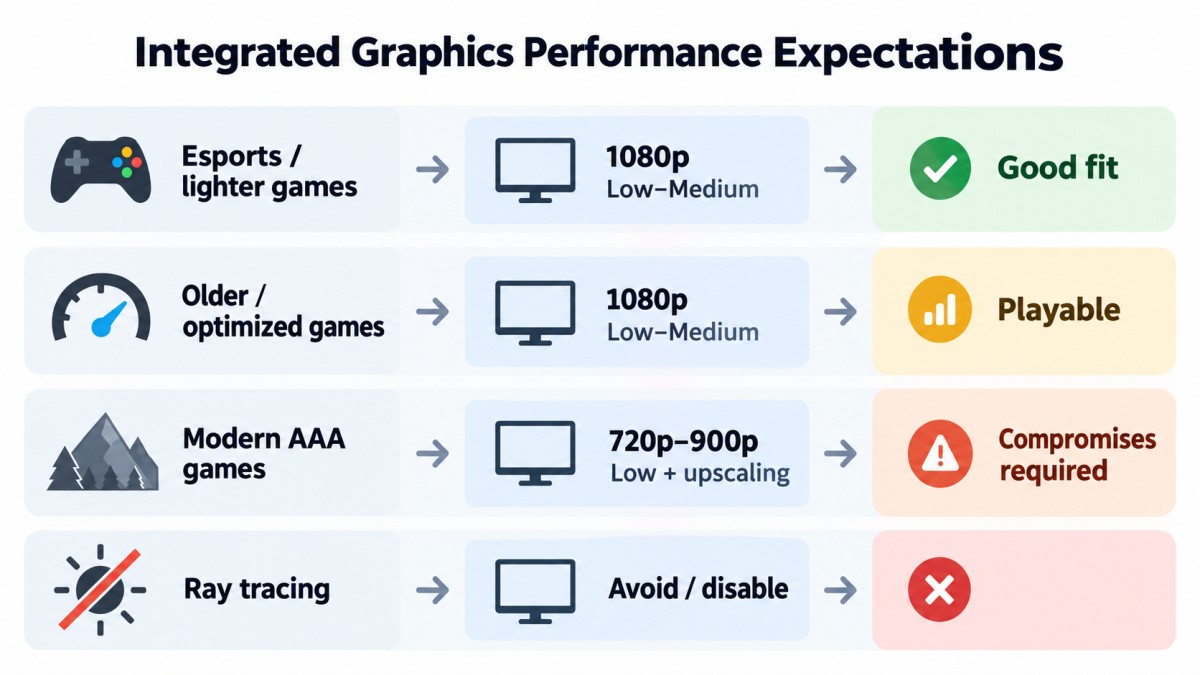
This article does not present original BuiltToFrag laboratory benchmark results, so I am not going to pretend that every no-GPU system will produce one magic FPS number. Performance changes dramatically with the processor, memory configuration, cooling, game engine, drivers and graphics settings.
Use these as realistic targets rather than guaranteed benchmark results:
| Game type | Sensible starting point | Expectation |
|---|---|---|
| Esports and lighter competitive games | 1080p Low–Medium | The strongest modern iGPUs can deliver a genuinely enjoyable experience. |
| Older or well-optimized games | 1080p Low–Medium | Often very playable with sensible settings. |
| Modern demanding AAA games | 720p–900p Low, or reduced 1080p with upscaling | Playable in some titles, but compromises should be expected. |
| Heavy ray tracing | Usually disable it | Integrated graphics are the wrong place to spend performance on expensive effects. |
If your main goal is modern AAA gaming at high settings, a dedicated graphics card remains the better tool. A no-GPU build is strongest when your games and expectations actually suit integrated graphics.
Tuning tips that actually matter on integrated graphics
Use dual-channel memory
Integrated graphics use system RAM instead of dedicated VRAM, so memory bandwidth matters. Avoid running a gaming-focused iGPU system with a single memory stick when the platform supports a proper dual-channel configuration.
If you want the deeper explanation, read why dual-channel RAM matters for gaming.
Use sensible memory speeds
Fast DDR5 can help integrated graphics, but stability comes first. On an AM5 APU build, do not blindly copy somebody else’s aggressive memory settings. Use a sensible matched kit, enable the appropriate validated memory profile if your system supports it, and confirm the machine is stable.
Use FSR or XeSS when it genuinely helps
Upscaling can be extremely useful on integrated graphics because reducing the internal rendering workload may turn an uncomfortably slow game into something playable. Start with Quality mode when available and move to Balanced only when you actually need the extra performance.
Do not assume upscaling is free performance. Image quality depends on the game, output resolution and implementation.
Leave UMA frame buffer on Auto unless there is a reason to change it
On AMD desktop systems, the default Auto setting normally allows the system to manage shared graphics memory correctly. Manually reserving more RAM does not automatically create a faster GPU.
If a particular game reports too little graphics memory, refuses to launch, or shows texture problems, manually reserving some UMA memory can sometimes help. Otherwise, Auto is the sensible starting point.
Keep temperatures under control
The CPU and integrated GPU share the same package and power budget, so sustained temperature and power behavior can affect gaming performance. You do not need extravagant cooling, but you do want enough airflow and cooling to avoid repeated throttling under load.
Gaming without a graphics card: myths versus reality
- Myth: Any CPU with integrated graphics is good for gaming.
Reality: Integrated graphics vary enormously. Basic display graphics and gaming-focused Radeon 760M/780M-class graphics are not the same thing. - Myth: You cannot play at 1080p without a dedicated GPU.
Reality: Modern gaming-focused iGPUs can handle many esports, indie and lighter games at 1080p, although demanding titles require compromises. - Myth: A no-GPU gaming PC is always cheaper.
Reality: Once you buy an expensive APU, fast memory and a premium platform, a cheaper CPU plus dedicated entry-level GPU can sometimes offer better gaming value. - Myth: Increasing reserved VRAM always improves FPS.
Reality: Integrated graphics use shared system memory. Manually increasing the UMA reservation can solve specific compatibility problems, but it does not automatically increase GPU processing power. - Myth: Upscaling makes every iGPU game look bad.
Reality: Good implementations can be useful, but image quality varies. Treat FSR and XeSS as tools, not magic.
Common no-GPU gaming problems to check first
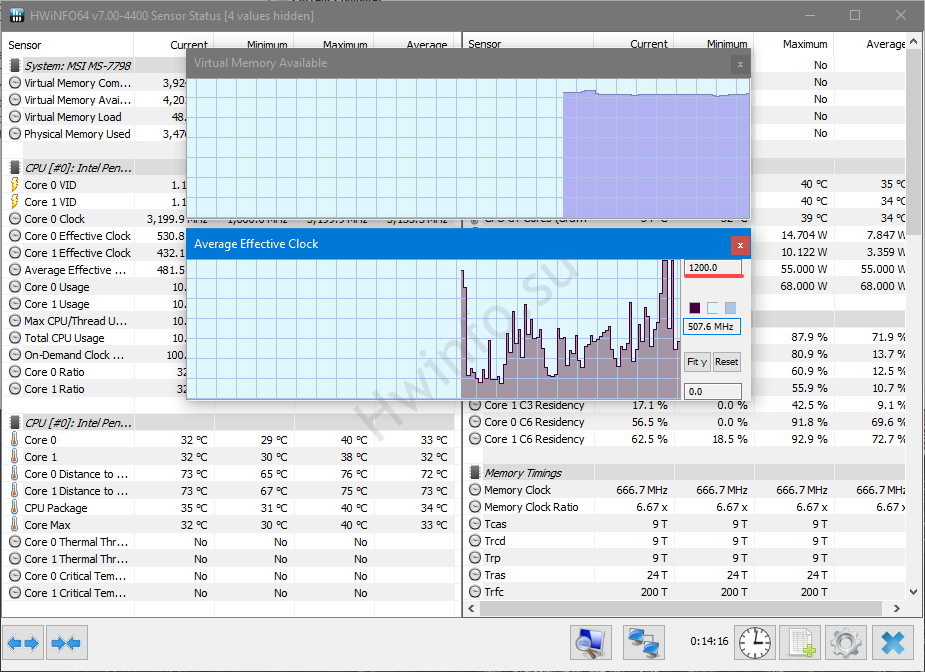
HWiNFO64 can help identify thermal throttling, clock drops, and other performance problems on an integrated graphics gaming PC.- Unexpectedly low FPS: check that memory is operating in the intended channel configuration and at the expected speed.
- Game reports too little VRAM: first update drivers and check whether the game works with UMA set to Auto. Only manually increase the frame buffer if the game actually needs it.
- Performance falls after a few minutes: check CPU/iGPU temperatures, clock speeds and power limits for throttling.
- One game performs much worse than others: test another graphics API if the game offers one, reduce expensive settings and try the supported upscaler.
- You cannot get a display at all: confirm that your exact CPU actually includes integrated graphics and that the monitor is connected to the motherboard video output.
If Windows itself is creating stutter or background-load problems, use our Windows optimization guide for low-end gaming.
Gaming PC Without a GPU FAQ
Can you build a PC without a GPU?
You can build a PC without a dedicated graphics card if the processor provides integrated graphics. If the CPU has no usable integrated graphics, you will normally need a graphics card to get display output.
Can you actually game without a graphics card?
Yes. Modern gaming-focused integrated graphics can run esports, indie games, older titles and some modern games. Demanding AAA games usually require lower settings, reduced resolution or upscaling.
What is the best desktop CPU for gaming without a dedicated GPU?
The Ryzen 7 8700G remains the stronger socketed desktop choice when maximum integrated graphics performance is the priority. The Ryzen 5 8600G is often the more sensible value choice because it retains strong Radeon 760M graphics at a lower CPU price.
How much RAM should an iGPU gaming PC have?
Sixteen gigabytes can work, but 32GB gives the integrated GPU and Windows substantially more shared-memory headroom. Whatever capacity you choose, memory configuration and bandwidth matter greatly on an iGPU system.
Should I reserve 4GB of RAM for the integrated GPU?
Not automatically. Leave UMA allocation on Auto first. Increase it manually only if a game or application has a genuine VRAM-detection or texture problem that the automatic setting does not handle correctly.
Should I build an APU PC or save for a graphics card?
If you mainly play esports, lighter games or older titles, an APU-first system can make sense. If modern demanding AAA games are the priority and your budget is already approaching the cost of a full entry-level GPU build, compare the total price carefully before committing.
If you have roughly $600 available for the complete system, compare the APU route with our Budget Gaming PC Build Under $600 before deciding.
So, can you really game without a GPU?
Yes — without a dedicated graphics card. You still need graphics hardware somewhere, and in a no-GPU-card build that job is handled by the integrated GPU inside the processor.
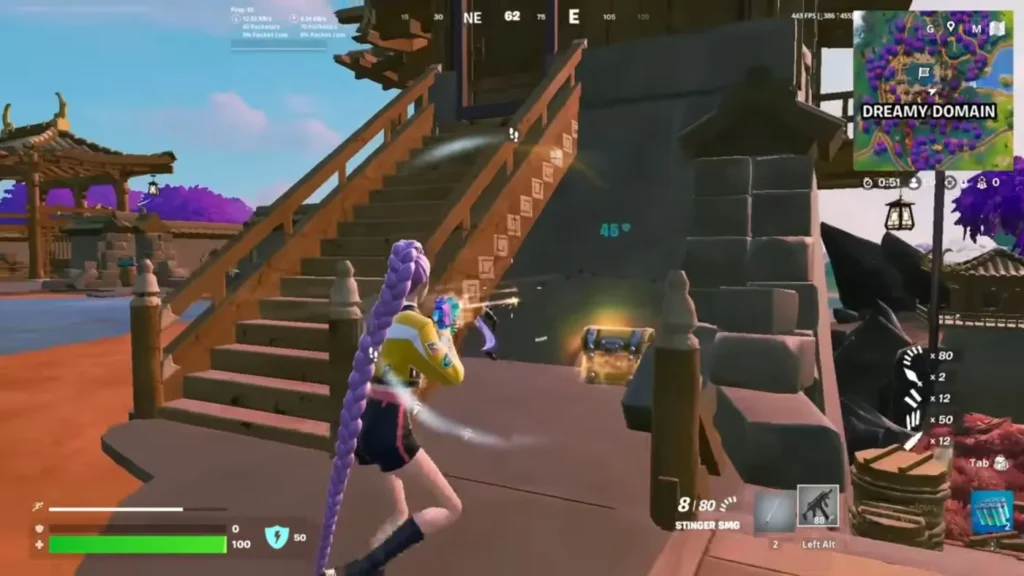
The strongest modern integrated graphics are good enough to make esports, indie games, older titles and selected demanding games genuinely playable. They do not replace a powerful dedicated graphics card, and they should not be sold as though they do.
The smart reason to build this way is flexibility. You can start with integrated graphics, play the games your hardware handles well, and add a dedicated GPU later if your needs grow.
If you want to plan that future upgrade properly, read How to Future-Proof a Weak Gaming PC Without Wasting Money.
For AMD’s own explanation of shared graphics memory and UMA configuration, see its official UMA frame buffer guidance.