

Open world games love to promise “freedom,” then hit your PC with a loading stutter so violent you start negotiating with your power button. The good news is you do not need a modern GPU or 32GB of RAM to roam a big map and cause problems. You just need the right kind of open world game, meaning older, lighter titles built before every blade of grass needed its own physics simulation.
This Open World Games That Run On Low-End PCs list is for real low-end machines, not “low-end” as in an RTX 2060. If your PC is basically a school laptop, an office desktop, or a cheap second-hand box you rescued from someone’s garage, you are exactly the audience this guide was built for.
Quick Comparison: Open World Games for Low-End PCs
If you want the short answer before diving into the full list, these open world games are widely known to run on systems with around a dual-core CPU, 4GB RAM, and integrated graphics.
| Game | Year | Runs on Intel HD | RAM | Approx Size |
|---|---|---|---|---|
| GTA: San Andreas | 2004 | Yes | 4GB | 5GB |
| Morrowind | 2002 | Yes | 4GB | 4GB |
| Fallout: New Vegas | 2010 | Mostly | 4GB | 10GB |
| Far Cry 2 | 2008 | Mostly | 4GB | 8GB |
| S.T.A.L.K.E.R. | 2007 | Mostly | 4GB | 7GB |
| Mount & Blade Warband | 2010 | Yes | 4GB | 6GB |
| Just Cause | 2006 | Yes | 4GB | 5GB |
| Gothic II | 2002 | Yes | 4GB | 4GB |
| Mafia Classic | 2002 | Yes | 4GB | 3GB |
| Saints Row 2 | 2008 | Mostly | 4GB | 12GB |
Garbage PC Test (If Your PC Meets This, You’re Good)
Before we get to the games, it helps to define what we mean by a “low-end PC.” Many guides claim something is low-end while quietly assuming a modern graphics card. That is not what we are doing here.
If your system meets this simple baseline, you should be able to run most games in this list with reasonable settings.
| Baseline | What to look for |
|---|---|
| CPU | Dual-core processor |
| RAM | 4GB |
| GPU | Integrated graphics (Intel HD / Intel UHD / AMD Vega) |
| Storage | 10–20GB free space |
Real machines that usually fall into this category include school laptops, old office desktops, family PCs that were never meant for gaming, and cheap second-hand computers.
10 Open World Games That Actually Run on Low-End PCs
These games offer real exploration without requiring modern hardware. Most were built during an era when developers still had to respect hardware limits.
1) Grand Theft Auto: San Andreas
If you want maximum open world chaos on minimal hardware, San Andreas is still one of the safest answers. The map is huge, the missions remain memorable, and the game runs on machines that struggle with modern launchers.

Low-end tip: Lower shadows and draw distance first. These settings affect FPS the most on integrated graphics.
2) The Elder Scrolls III: Morrowind
Morrowind offers pure open world freedom. The game lets you wander anywhere and learn lessons the hard way. Despite its depth, it runs comfortably on modest hardware.
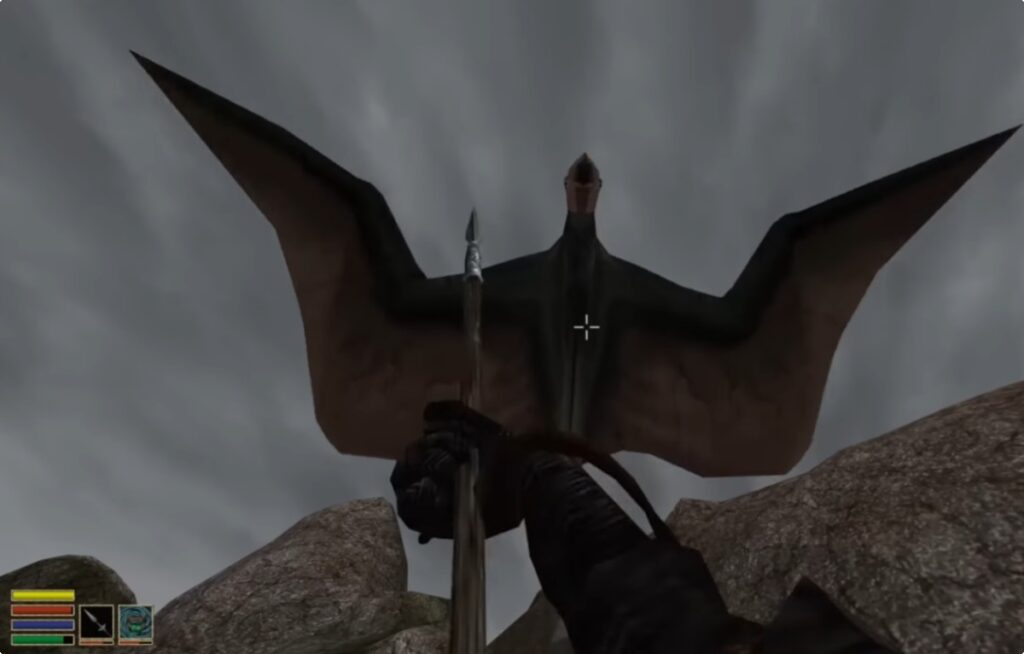
Low-end tip: Reducing view distance dramatically improves performance.
3) Fallout: New Vegas
New Vegas remains one of the best open world RPGs ever made. The Mojave wasteland is large, the quests are fantastic, and the game still runs well on older PCs.

Low-end tip: Disable anti-aliasing and lower shadow quality first.
4) Far Cry 2
Far Cry 2 is a gritty open world shooter set in Africa. The world feels hostile and dynamic, which makes exploration memorable even today.

Low-end tip: Lower vegetation and shadows to stabilize performance.
5) S.T.A.L.K.E.R.: Shadow of Chernobyl
S.T.A.L.K.E.R. delivers exploration through large connected zones rather than one seamless map, but the experience still feels like a true open world.
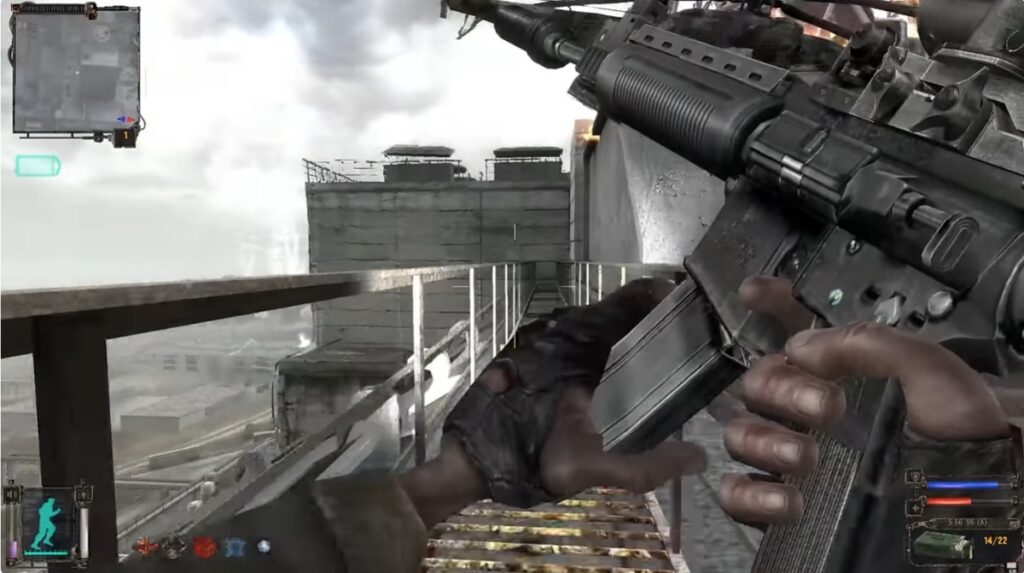
Low-end tip: Lower lighting quality and shadows first.
6) Mount & Blade: Warband
Mount & Blade: Warband offers a sandbox open world focused on strategy, combat, and building your own army. Instead of following a strict storyline, you roam the map, recruit soldiers, trade goods, and slowly carve out power in a medieval world.
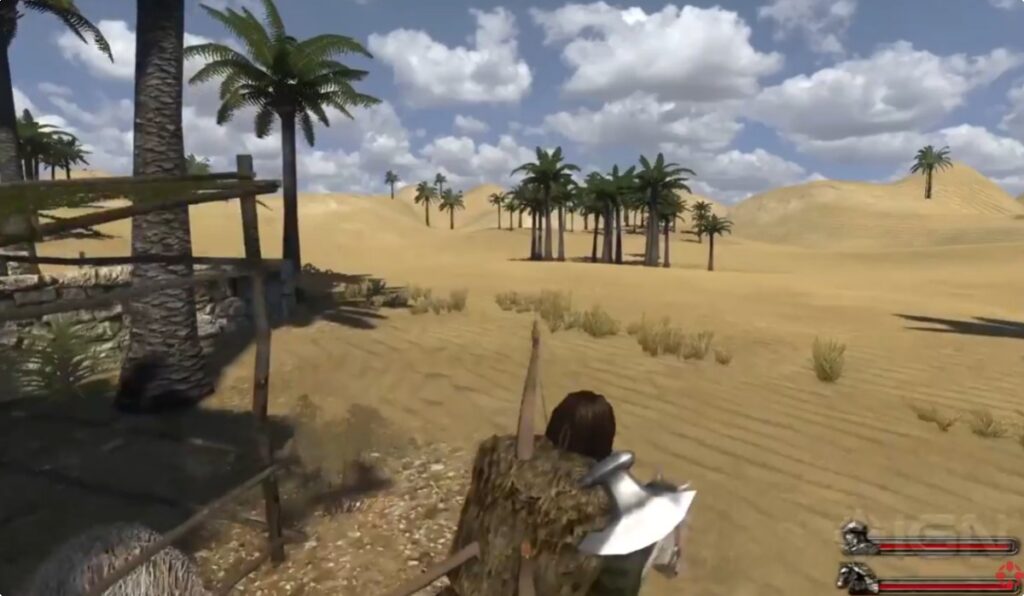
Low-end tip: Reduce battle size in settings. Large battles are CPU-heavy and can drop performance on weaker processors.
7) Just Cause

The original Just Cause delivers pure sandbox chaos. You explore a massive tropical island while completing missions, hijacking vehicles, and generally causing problems for the local government.
Low-end tip: Lower water reflections and shadow quality to stabilize performance on integrated GPUs.
8) Gothic II

Gothic II is a cult-classic RPG known for its challenging combat and immersive world design. The world feels surprisingly alive for a game of its age, and it rewards players who enjoy exploration and slow character progression.
Low-end tip: Lower draw distance and disable advanced shadows to improve frame stability.
9) Mafia (Classic)
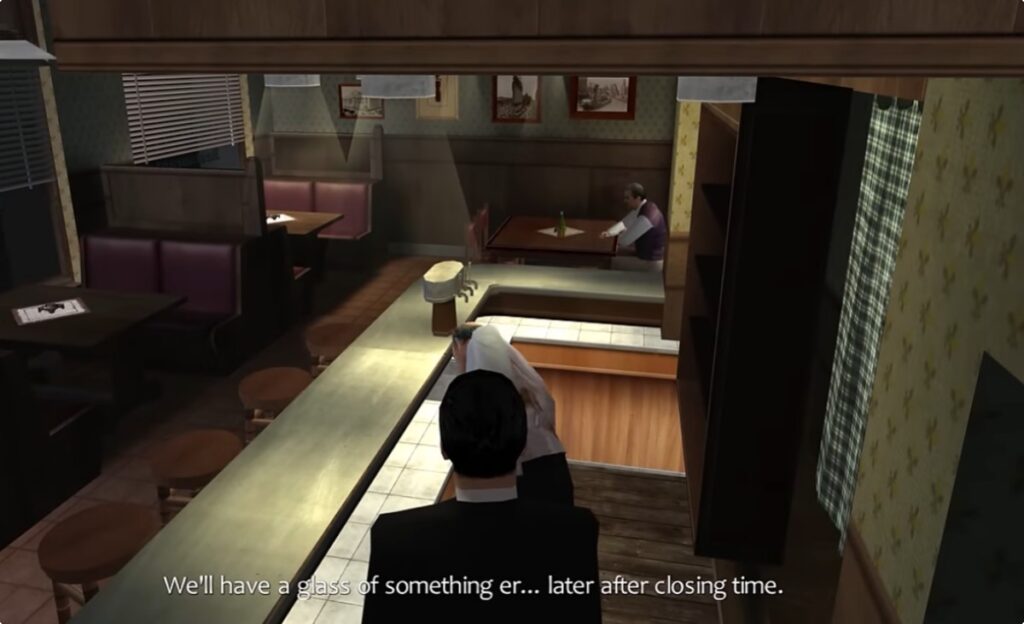
Mafia offers a story-driven open city experience inspired by classic crime films. The world is not packed with modern open world activities, but driving through the city and progressing through the narrative still delivers that free-roaming feeling.
Low-end tip: Disable anti-aliasing and keep texture quality moderate to maintain stable frame rates.
10) Saints Row 2
Saints Row 2 takes the open world crime formula and pushes it into ridiculous territory. The game offers a huge amount of freedom, chaotic gameplay, and plenty of missions to explore across the city.

Low-end tip: Lower shadow detail and turn off motion blur to reduce GPU load.
Games That Run on Intel HD Graphics
Integrated graphics searches are extremely common because millions of players use laptops with Intel HD, Intel UHD, or AMD Vega integrated GPUs. The games listed above generally work on systems using GPUs such as Intel HD 3000, HD 4000, HD 4600, Intel UHD 620, or AMD Vega 3 and Vega 8.
If your system falls into that category, the safest approach is to start with the older games in the list and slowly work upward. Titles like San Andreas and Morrowind are extremely forgiving, while newer games like New Vegas or Far Cry 2 may require lower graphics settings.
The biggest mistake low-end players make is trying to push visual settings too high. Shadows, draw distance, and anti-aliasing are usually the biggest performance killers on integrated graphics.
How Open World Games Behave on Real PCs
Open world games stress hardware differently from smaller linear games. Instead of loading a single level, they constantly stream world data, NPC behavior, physics systems, and environmental effects as the player moves through the map.
On weaker PCs this usually causes three common problems: stuttering during world streaming, RAM pressure when large areas load, and CPU spikes when the game tracks many systems at once.
If you are trying to diagnose whether your system is limited by the processor or the graphics chip, start here: CPU or GPU Problem During Gaming.
If you are considering inexpensive upgrades that actually improve gaming performance, these guides are useful starting points:
Cheap Gaming Upgrades That Boost FPS
Best PC Upgrades Under $100
Legacy hardware warning: if your system uses very old DDR3-era motherboards or extremely limited power supplies, not every modern upgrade will work. In those cases, compatible second-hand components are usually the safest route.
More Open World Games That Might Also Work
If your system sits slightly above the Garbage PC Test baseline, a few additional open world games may also run well with reduced settings. These are not quite as safe as the main list, but they are worth trying if your PC has a little extra breathing room.
- Just Cause 2 – A larger sandbox with huge maps and plenty of chaos. It can run on older GPUs if settings are kept low.
- The Elder Scrolls IV: Oblivion – Another classic Bethesda RPG with a massive world and flexible performance scaling.
- Sleeping Dogs – A well-optimized open city game that sometimes runs on older mid-range systems.
When This List Won’t Save You
This guide targets genuine low-end PCs, but there are still situations where even these games may struggle. Systems with only 2GB RAM, extremely outdated integrated graphics, or failing hard drives will still run into problems.
If your computer technically runs games but constantly feels slow, the issue may be at the system level rather than the game itself. This article can help diagnose that situation:
Why Your PC Still Feels Slow After an Upgrade
If you are running a dual-core processor and want more games designed for that level of hardware, this guide is a good follow-up:
Quick Takeaways
- Start with older open world games first. They are far more forgiving.
- Lower shadows and draw distance before changing anything else.
- Integrated graphics handle older engines much better than modern ones.
- Do not expect modern open world games to run well on very weak hardware.
If you enjoyed these recommendations, you may also want to explore:
Free Shooters for Low-End PCs
Low-End FPS Games You Can Buy
FAQ
What open world games run on 4GB RAM?
Older open world games are usually the safest option for systems with 4GB RAM. Popular examples include GTA: San Andreas, Morrowind, Gothic II, and Mafia (Classic). These games were designed during an era when lower memory budgets were common.
Can Intel HD graphics run open world games?
Yes, but only certain ones. Integrated GPUs like Intel HD, Intel UHD, or AMD Vega can handle older open world titles if graphics settings are reduced. Shadows, anti-aliasing, and draw distance are usually the first settings that should be lowered.
What is the best open world game for a weak PC?
Grand Theft Auto: San Andreas is usually the safest starting point. It offers a large open world, memorable missions, and extremely low hardware requirements compared to modern games.