
Updated 17/02/2026:
Buying a used CPU for gaming can be one of the smartest budget upgrades you can make, or the most annoying mistake you debug for three weekends straight. This upgraded safety guide gives you a real decision framework, inspection checklist, and risk filter system so you know exactly when to buy, when to walk away, and how to test what you get.
Should You Even Be Buying a Used CPU for Gaming?
Buying a used CPU for gaming only makes sense if the price gap is big enough. Here is the rule most people skip:
- If the used price is not at least 25 to 35 percent cheaper than a discounted new unit, skip it.
- If a new CPU includes warranty and bundle deals, used often loses its advantage.
- If the platform is near end of life, your upgrade path may be dead on arrival.
Before you shop, make sure you understand how upgrades actually translate into real speed and frame pacing in our why your PC still feels slow after an upgrade guide.
When Buying a Used CPU for Gaming Actually Makes Sense
Used CPUs are strongest in a few specific scenarios:
- Upgrading within the same socket, for example AM4 to a higher tier Ryzen.
- Replacing a weak chip in an otherwise solid build.
- Short term stopgap while waiting for next gen parts.
- Budget builds where GPU gets most of the money.

The Used CPU Risk Filter System (BTF Framework)
Do not buy on vibes. Score the deal.
Green Deal
- Clear photos
- Normal price range
- Seller history visible
- Test proof or return window
- Supported platform
Yellow Deal
- Average photos
- Slightly low price
- Limited seller history
- No test proof but platform safe
Red Deal
- Stock photos only
- Too cheap
- Rushed sale
- No answers to basic questions
- Unsupported board or BIOS risk
Red deals are how people “save” money and then buy twice.
Questions You Must Ask the Seller
Ask, but assume answers are unverified until proven by testing.
- How long was the CPU used?
- Was it overclocked or undervolted?
- What cooler was used?
- What motherboard was it in?
- Any stability issues?
If the chip is an unlocked model and they claim heavy gaming with a bargain cooler, treat that as a warning, not reassurance.
Photo Inspection Checklist: What to Zoom In On
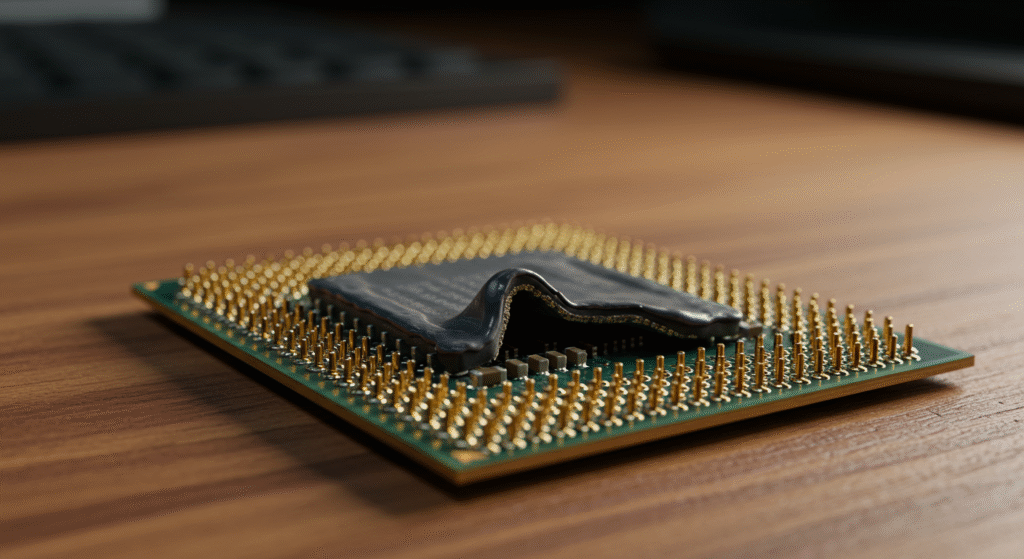
- Bent or missing pins on pin grid CPUs
- Heavy scratches on the heat spreader
- Discoloration or scorch marks
- Residue from bad cleaning jobs
- Ground down or altered surfaces
Pricing Traps and Fake Bargains
Used sellers often anchor pricing to launch MSRP. That number is meaningless now.
- Compare with current new retail price, not launch price.
- Check sold listings, not asking listings.
- If used is within 20 percent of new, buy new.
Also compare platform cost. A cheap used CPU on an expensive board is not a cheap upgrade.
Compatibility and BIOS Reality Check
Socket match is not enough. BIOS support matters.
- Check motherboard CPU support lists.
- Confirm required BIOS version.
- Verify update method if the board cannot boot without older CPU.
Use PCPartPicker to verify compatibility, then double check on the motherboard manufacturer site.
Planning a broader upgrade? Read how to pick PC parts that fit and perform.
Marketplace Red Flags by Platform
- Local marketplaces: meet in public, no shipping only sellers.
- eBay: require strong feedback and buyer protection.
- Forum trades: check trade history and post patterns.
No history plus urgency plus low price equals walk away.
When You Should NOT Buy a Used CPU for Gaming
Sometimes used is the wrong move:
- Price gap vs new is small
- Platform is near end of life
- No test or return possible
- Bundle deals beat used pricing
- You need warranty certainty
If risk tolerance is low, new hardware is the better sleep-at-night choice.
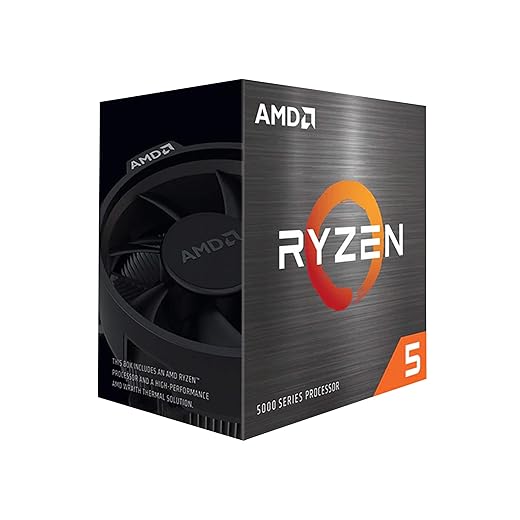
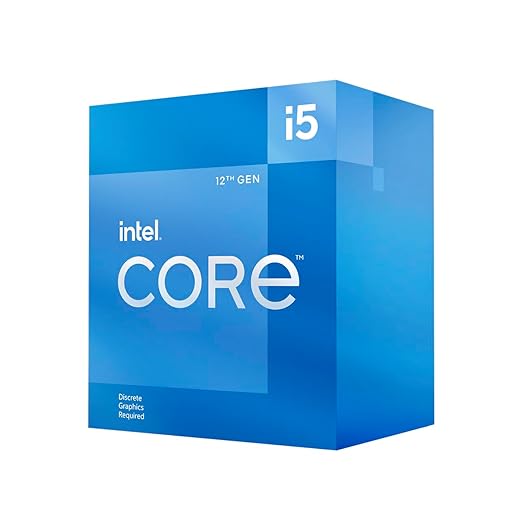
If you decide second hand is not for you, check out the current lineup of new budget CPUs.


How to Test a Used CPU Before You Trust It
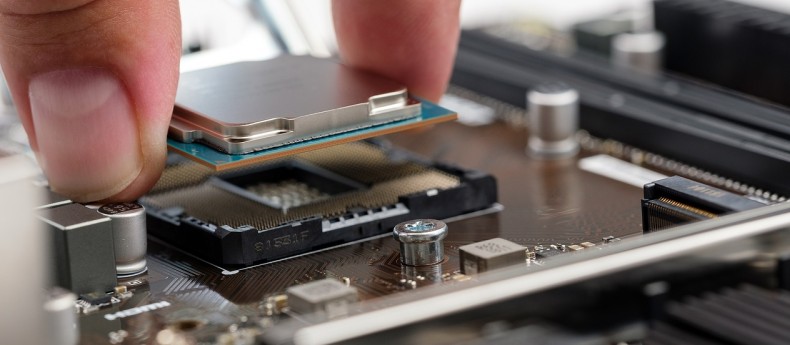
Do not just boot and assume success.
- Monitor temps under load
- Run repeatable benchmarks
- Stress test for stability
- Watch for throttling
Follow the full workflow here: how to test a used CPU the right way.
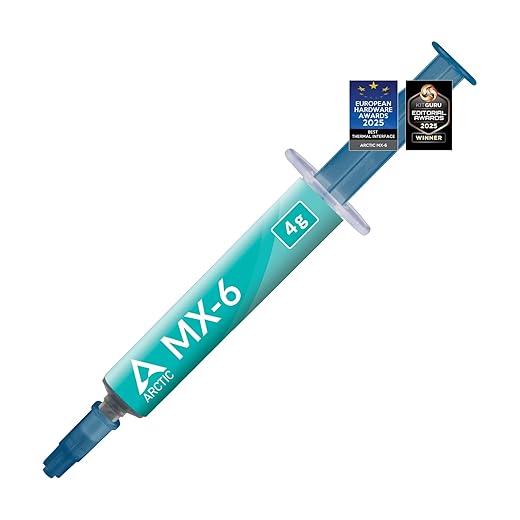
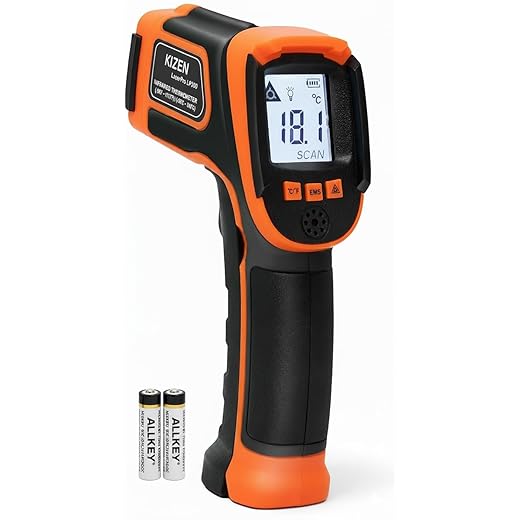
Products For Cooling and Thermal Basics for Testing a Used CPU

Performance Reality: What a Used CPU Means for Gaming
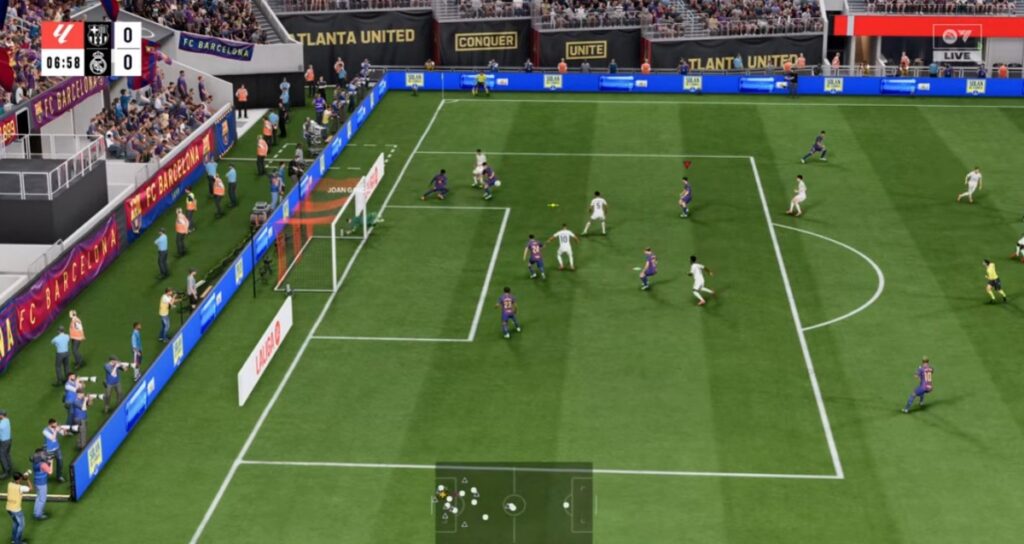
CPU impact depends on the game and engine.
- Esports and simulation titles are often CPU bound.
- Open world games stress cache and frametime stability.
- Older high cache CPUs can still outperform newer budget chips.
Track real behavior with proper monitoring tools. Start with our PC monitoring guide.
No deep tuning here. Use dedicated fix guides for that.
Used CPU Buyer Decision Checklist

- Price at least 25 to 35 percent below new
- Photos verified
- Platform supported
- BIOS confirmed
- Seller history checked
- Test plan ready
- Return path exists
If three or more of these fail, skip the deal.
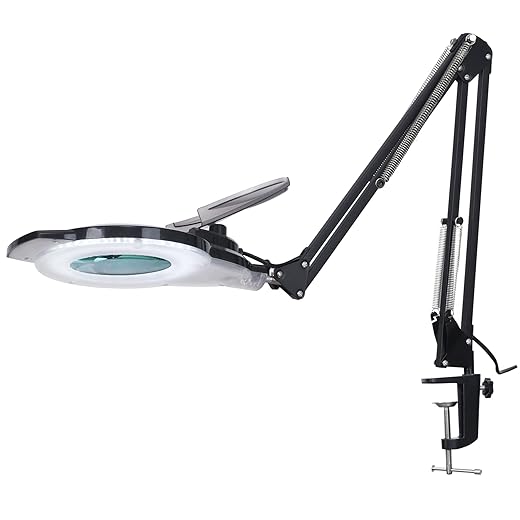
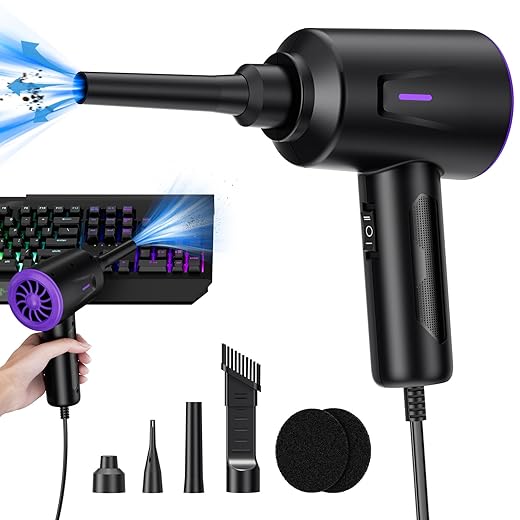
Basic Product Tools for Safe CPU Inspection and Handling



FAQs — Buying a Used CPU for Gaming
Do CPUs wear out?
Not quickly under normal use, but heat and voltage abuse can shorten lifespan.
Is overclocking damage always visible?
No. That is why stress testing matters more than seller claims.
Are used CPUs safe for gaming?
Yes, if inspected, priced correctly, and tested properly.
Is buying a used CPU for gaming better than upgrading GPU?
Usually GPU gives bigger gains, unless you are clearly CPU bound.
BTF Final Advice
Buying a used CPU for gaming is not risky when you apply a filter system, inspection checklist, and proper testing. Most bad outcomes come from rushed deals and blind trust. Slow down, score the deal, and verify everything. Your wallet and your motherboard will both appreciate it.
After install, keep the system stable with the PC maintenance and optimization guide.