
Updated on 24/01/2026: This guide reflects the current mid-range gaming landscape. The RTX 4060 Ti and RX 7600 XT define the modern mid-range at 1080p and entry-level 1440p. The Ryzen 5 5600 and Ryzen 5 7600 remain the smartest CPU picks for value and balance, DDR5-6000 CL30 is the memory sweet spot, and PCIe Gen 4 NVMe drives continue to offer the best price-to-performance ratio.
- Best Value GPU: RX 7600 XT for raster performance and 16GB VRAM comfort
- Best RT & Upscaling: RTX 4060 Ti with DLSS
- Platform Sweet Spot: AM5, DDR5-6000, 650–750W ATX 3.1 PSU, airflow mid-tower
If new GPUs change the balance of this tier, this guide will be updated accordingly. Also if you are on a tight budget and cant afford a GPU yet build a PC with intergrated Graphics: read The No-GPU Gaming PC
If you want the best mid range gaming pc without lighting your budget on fire, this is the tier that makes sense. You get rock solid 1080p Ultra and 1440p High to Ultra performance, reasonable noise and thermals, and an upgrade path that will not age badly. No vanity parts, no “RGB tax,” just sensible hardware that lasts.
If your wallet already screams at the phrase “mid range,” start with our Ultra Budget Gaming PC Build. If you just need help matching parts so everything actually fits, skim our PC parts fit and performance guide first. For long-term strategy, the pillar is here: Future-Proof PC Build.
Why Mid-Range Is Still the Sweet Spot

1080p and 1440p still dominate
Most PC gamers still play at 1080p or 1440p according to the Steam Hardware Survey. That is where competitive and AAA games run best for the money, and where GPU vendors focus their value stacks.
Diminishing returns at 4K
Jumping from this tier to 4K often means spending far more for a small bump in clarity, and you take bigger performance hits the moment ray tracing enters the chat. This build tier is where performance, visual settings, and cost line up nicely. It will handle modern AAA titles at 1440p, even demanding RPGs, without turning your wallet into a bonfire. If cost is not an issue and you want 4K performance without wasting money on flex parts, use this as your reference: Best 4K Gaming PC Build.
Future proofing without overspending
We lean on modern features that actually matter at this level, like comfortable VRAM, sane DDR5 timings, modern power delivery, and platform choices that do not lock you into a dead-end upgrade path. You also get benefits from upscalers like DLSS and a cleaner overall experience when the core parts are chosen intelligently. Also if you are planning to use another GPU and need details of some of the good ones see Best Value GPUs for 1080p and 1440p Gaming
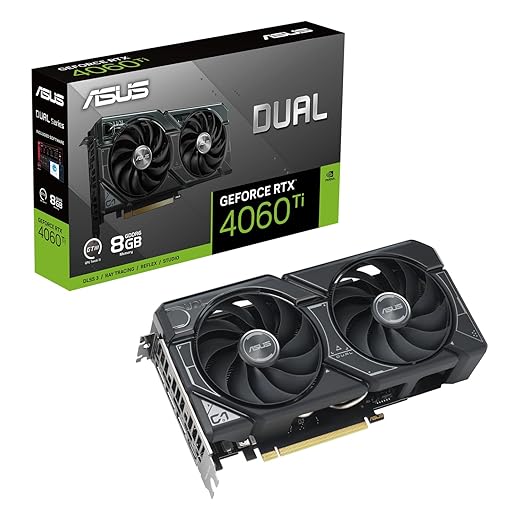
The GPU Battle: RTX 4060TI vs RX 7600 XT
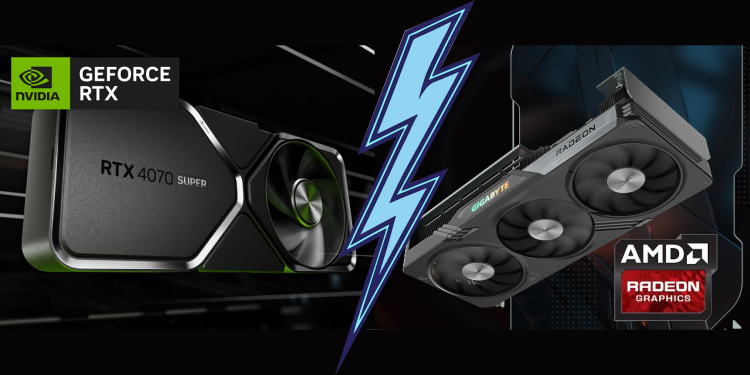
These two cards define the modern mid range. Pick based on what you value most: raster performance and VRAM comfort, or superior ray tracing with DLSS.
| GPU | VRAM | Best For | Strength | Weakness |
|---|---|---|---|---|
| RTX 4060 Ti | 8–16GB GDDR6 | Ray tracing, DLSS, newer AAA games | DLSS 3, frame generation, strong efficiency | Narrow memory bus, weaker raw raster per dollar |
| RX 7600 XT | 16GB GDDR6 | Pure raster gaming at 1080p–1440p | High VRAM headroom, better FPS per dollar | Weaker ray tracing, no DLSS |
Alternative Cards to Consider if your budget allows
Radeon RX 7800 XT 16GB is a value monster for traditional rendering and trades blows with higher-tier cards like the RTX 4070 class GPUs, but you often pay less and get the comfort of 16GB VRAM for texture-heavy games. If you plan on building with integrated graphics first, see our No-GPU Gaming PC Guide for performance tips before you upgrade your GPU.
Ray tracing and upscalers
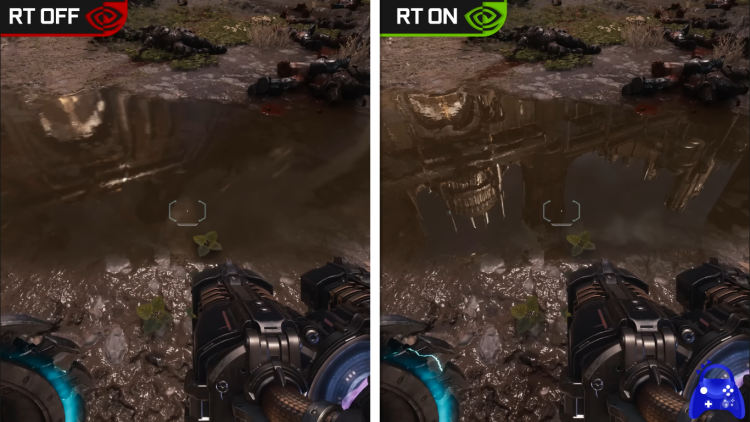
Ray tracing and upscaling
The Nvidia cards in these builds exist for one big reason: DLSS. Both the RTX 4060 and RTX 4060 Ti support DLSS 3 frame generation, which can massively boost performance in supported games. If your library includes modern AAA titles that lean on ray tracing, Nvidia is the smoother and more flexible option, especially at 1440p.
Raster performance and value
The RX 7600 XT focuses on traditional rendering performance and raw FPS per dollar. It is a great pick for players who prioritize high settings without caring about ray tracing. For pure value gaming, especially at 1080p and solid 1440p, it punches well above its price.
This build tier lines up well with what we expect from heavy upcoming titles, see our GTA VI PC performance breakdown.
VRAM and longevity
The RX 7600 XT stands out with its 16GB of VRAM, which gives extra breathing room for texture-heavy games and future titles. The RTX 4060 and RTX 4060 Ti come with less memory, but remain perfectly capable at 1080p and sensible 1440p settings, especially when DLSS is in play. More VRAM means comfort, DLSS means efficiency, pick what suits your playstyle.
Power and efficiency
All three GPUs are easy to power and extremely efficient. A quality 650–750W power supply is more than enough for any of these builds, leaving plenty of headroom while keeping noise and thermals under control. You do not need oversized PSUs for mid-range GPUs anymore, just clean, stable power delivery.
See current pricing and availability for these GPUs in the build options below.
Build Option 1: Balanced Mid-Range Build (Value First)
This build prioritizes strong raster performance, VRAM comfort, and clean upgrade paths. Perfect if you want maximum performance per dollar without sacrificing stability.
Best Value Pick




The CPUs That Make Sense

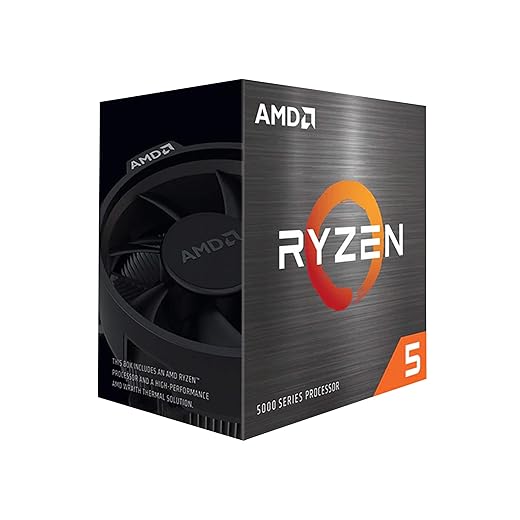
Ryzen 5 5600, the value king (DDR4 build)
This CPU is still one of the best gaming bargains ever made. Six fast cores, excellent gaming performance, and insanely good price-to-performance. It pairs perfectly with the RX 7600 XT and is more than capable of smooth 1080p and 1440p gaming. If your goal is maximum FPS per dollar, this is the smartest choice.
Ryzen 5 7600, the modern AM5 sweet spot
This is the heart of your future-proof build. Strong single-core performance, great efficiency, and access to the AM5 platform for future upgrades. It delivers excellent gaming performance today and gives you a platform that will not feel outdated anytime soon.
Intel i5-13600K, the high-FPS monster
If raw frame rates are your priority, this is the CPU to beat in this tier. The 13600K excels in esports titles, CPU-heavy games, and high refresh rate setups. It is the best pick when you want the highest possible FPS and the smoothest frame times.
CPU pricing and availability change constantly. Use the build options above to see current pricing, compatible parts, and live stock.
Build Option 2: AMD DDR5 Mid-Range (Future-Proof Build)
This build is all about modern platform longevity. It uses AMD’s AM5 socket, fast DDR5 memory, and PCIe 5.0 support so you can upgrade your CPU or GPU later without replacing the whole system. It balances strong gaming performance today with a much longer usable lifespan.
The Ryzen 5 7600 gives excellent single-core performance, and pairing it with the RTX 4060 unlocks DLSS 3 support for big performance gains in supported games. This is the smart choice if you want efficiency, modern features, and a platform that will still feel relevant years from now.
Best Future-Proof Pick

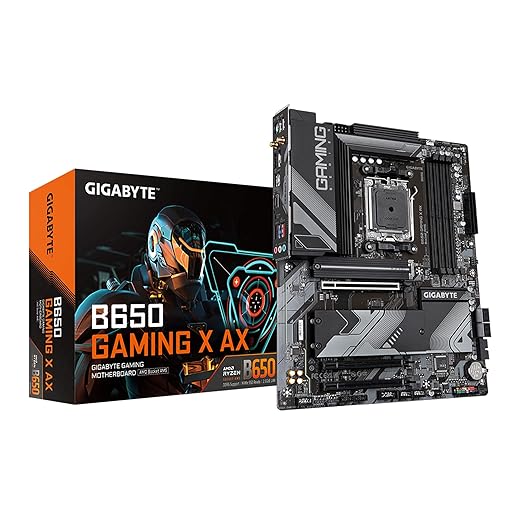


Memory, Storage, and Motherboards (For the DDR5 Build)
DDR5 speed and timings that matter
For the Ryzen 5 7600, DDR5-6000 CL30 is the sweet spot. It delivers the best balance between performance and stability on AM5. Faster kits cost more but bring almost no real-world gaming benefit, so this is where your money is best spent.
B650 motherboard value
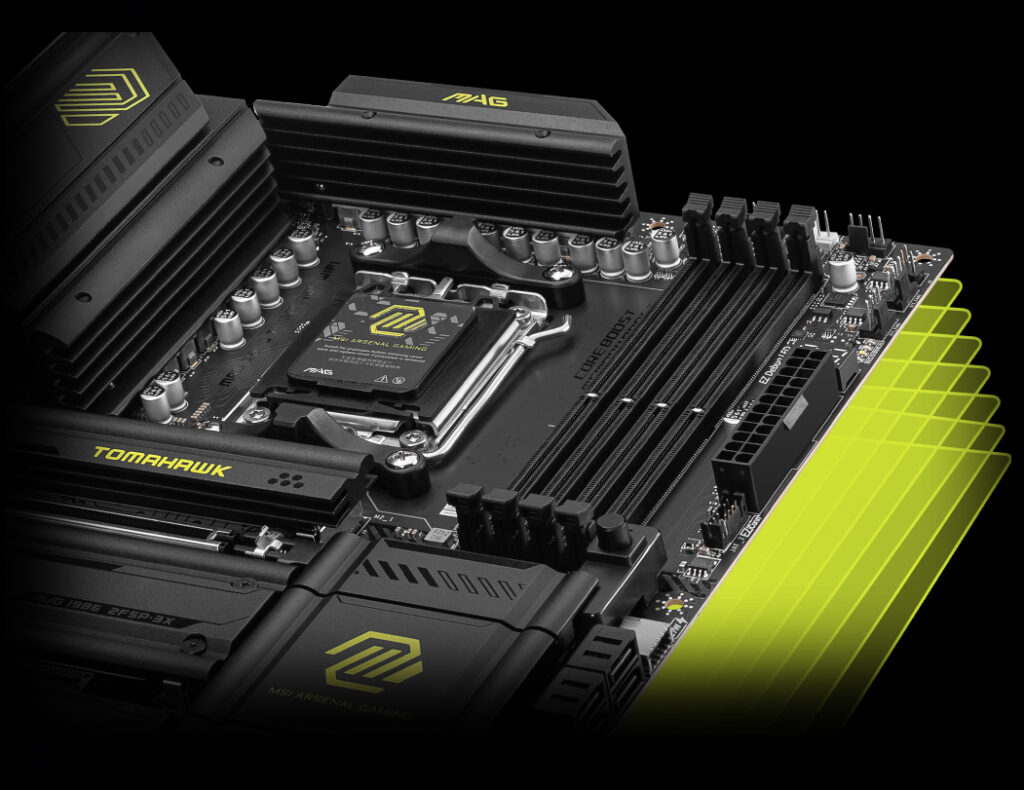
B650 boards are perfect for this build. You get DDR5 support, strong power delivery, PCIe 4.0 for GPUs, and at least one PCIe 5.0 M.2 slot on many models. You only need higher-end chipsets if you specifically want extra connectivity or workstation-style features.
NVMe storage: Gen 4 is still the smart choice
PCIe Gen 4 SSDs deliver instant load times at a far better price than Gen 5 drives. A fast 1–2TB drive like the Crucial P3 Plus used in this build keeps your system responsive without wasting budget on benchmark-only speeds. Save your money for the GPU, where it actually matters.
PSU, Cooling, and Cases (For Build Option 2)
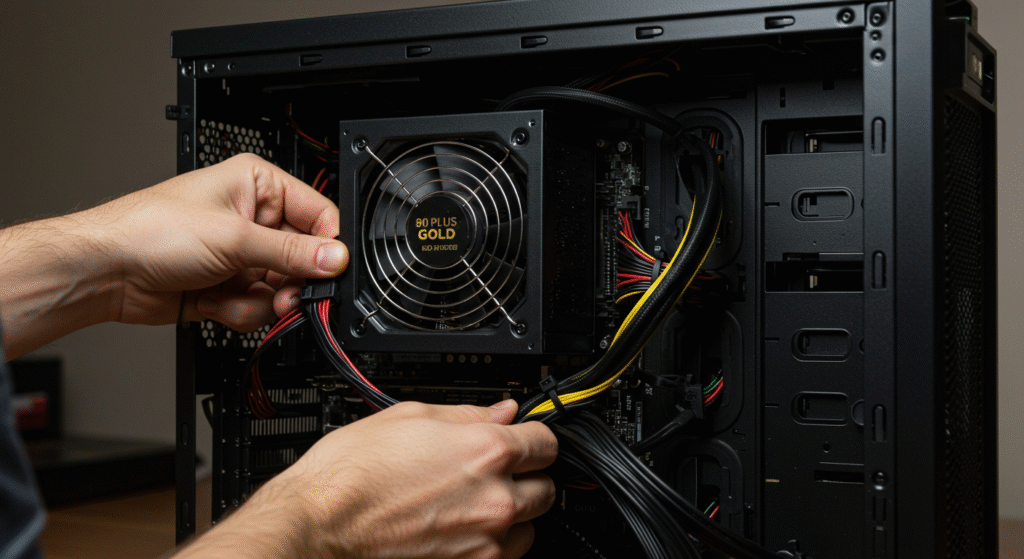
Why ATX 3.1 matters
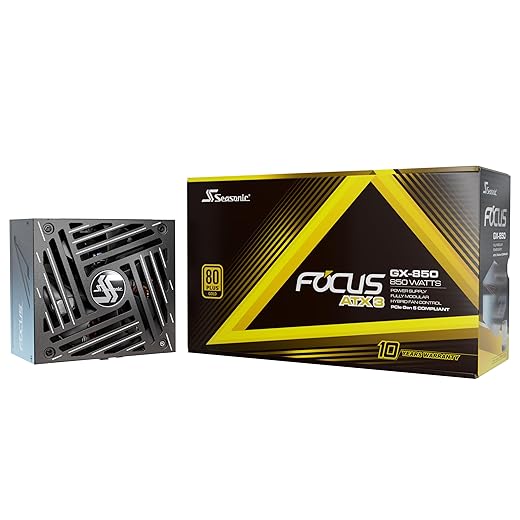
ATX 3.1 power supplies handle modern GPU power spikes more cleanly and reduce cable clutter. Even though the RTX 4060 is very efficient, using a modern PSU keeps the whole system stable and future-ready.
Wattage that makes sense
750W is perfect for this build. It runs cool and quiet today and gives you upgrade headroom later if you drop in a stronger GPU down the line.
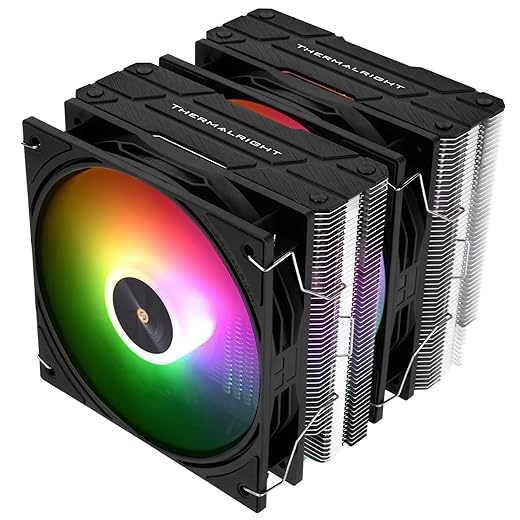
Cooling without overspending
The Thermalright Peerless Assassin 120 is more than enough for the Ryzen 5 7600. It keeps temperatures low, noise under control, and costs far less than flashy AIO coolers that add nothing to real gaming performance.
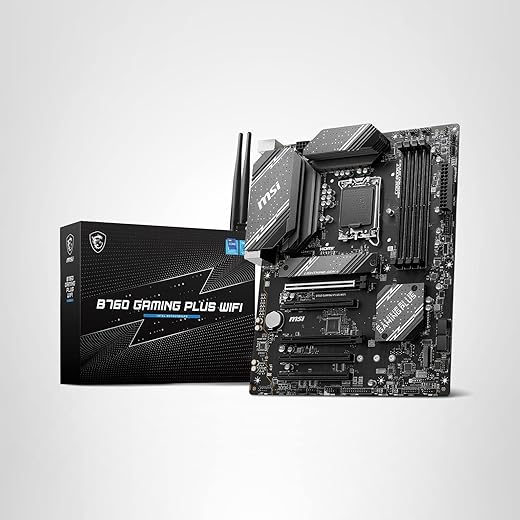
Build Option 3: Intel DDR5 Mid-Range (High-FPS Build)
This is the performance-focused build. It is made for high refresh rate gaming, competitive titles, and CPU-heavy games where frame times matter more than anything else.
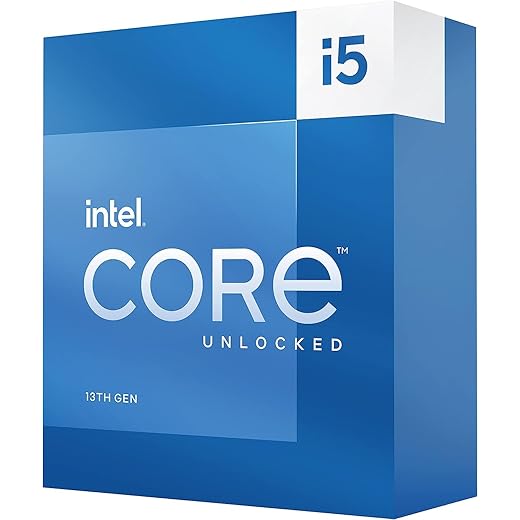
The Intel i5-13600K delivers outstanding gaming performance, and paired with the RTX 4060 Ti it is perfect for 1080p high-FPS gaming and strong 1440p performance. If your goal is raw speed and smooth gameplay above all else, this is the build to choose.
Pair this build tier with a 1440p 144–240Hz display for best results. If you mostly play esports, a 1080p 240Hz panel can still make sense with these GPUs. The build is only half the experience, the monitor is the other half you stare at for thousands of hours.
Best High-FPS Pick


Build Tips That Save Headaches
- Enable EXPO or XMP so DDR5-6000 CL30 runs at rated speed.
- Use a recent Windows 11 build and install chipset and GPU drivers before game launchers.
- Cap frame rates to your monitor refresh where it makes sense to reduce noise and temps.
- After building, verify performance with our gaming PC performance testing guide.
FAQs
Is the Ryzen 5 7600 still good for the best mid range gaming PC?
Yes. It is the heart of the AMD DDR5 Future-Proof build and delivers excellent gaming performance with the RTX 4060. It is fast, efficient, and gives you access to the AM5 platform for future CPU upgrades without rebuilding your system.
Is the Ryzen 5 5600 still worth buying?
Absolutely. In the AMD DDR4 Value build, the Ryzen 5 5600 remains one of the best FPS-per-dollar CPUs available. It pairs perfectly with the RX 7600 XT and handles modern games at 1080p and 1440p without issue.
Do I need a Gen 5 SSD for gaming?
No. PCIe Gen 4 NVMe drives already deliver excellent load times and responsiveness. Gen 5 drives cost more and bring no meaningful benefit in real gaming. Put that money into your GPU instead.
Is 12GB VRAM enough for 1440p gaming?
Yes, for sensible settings and with DLSS enabled, the RTX 4060 Ti handles 1440p very well. If you want extra comfort for texture-heavy games and future titles, the RX 7600 XT’s 16GB gives more breathing room.
What PSU wattage should I buy for these builds?
A quality 650–750W ATX 3.1 power supply is perfect for all three builds. It provides clean power delivery, quiet operation, and enough headroom for future GPU upgrades.
Is Windows 11 worth it for gaming?
Yes. Windows 11 is stable, well-optimized for modern hardware, and works perfectly with current CPUs and GPUs. Keep your drivers updated and you will get the best experience.
Is a mid-range gaming PC good enough in 2026?
Short answer: Yes, covers 1080p ultra and 1440p high, better value than entry high-end, upgradeable platform, etc.
BTF’s Last Words
The best mid range gaming PC is not one single build, it is three smart choices depending on how you play.
If you want the best value per dollar, the AMD DDR4 build with the Ryzen 5 5600 and RX 7600 XT is unbeatable. If you want a modern, future-proof platform, the AMD DDR5 build with the Ryzen 5 7600 and RTX 4060 is the smartest long-term option. If you want maximum FPS and competitive performance, the Intel DDR5 build with the i5-13600K and RTX 4060 Ti is the fastest of the three.
Each build exists for a reason. None of them waste money, and none of them compromise where it matters.
Need a cheaper route? Start with our Budget PC Build or go ultra-lean with the Ultra Budget build. When you are done, sanity-check your performance with our testing guide, then go play.