
Built for performance. Built to break limits.
Built for performance. Built to break limits.














Updated January 2026: This How to Tell If Your Phone Has a Virus guide has been refreshed to reflect how modern mobile malware actually behaves today. Most phone issues now come from adware, scam apps, and permission abuse rather than classic “viruses,” especially on iPhones. The signs, fixes, and prevention steps below are still accurate for current versions of Android and iOS.
Your phone’s acting weird? Let’s figure out whether it’s just being dramatic, or if you’ve picked up something you really don’t want.
Your phone used to be fine. Now it’s overheating, spamming you with pop-ups, chewing through battery, or showing apps you don’t remember installing. Naturally, your brain jumps straight to: “Great, my phone has a virus.”
Here’s the calm truth. When people say “virus”, they usually mean malware, things like adware, spyware, scam apps, or shady background processes. Actual old-school viruses are rare on phones in 2026, but annoying, invasive junk absolutely isn’t.
If you’re trying to figure out how to tell if your phone has a virus, you don’t need a repair shop, a panic reset, or some sketchy “one-tap cleaner” app. You just need to know what symptoms actually matter, what’s normal weird behavior, and what steps fix the problem without making it worse.
Let’s break it down properly, no fear-mongering, no tech jargon, and no freaking out.
Introduction:
You’re minding your own business when suddenly your phone starts acting like it’s had too much caffeine. Pop-ups everywhere. Battery drains like a leaky faucet. Apps you swear you didn’t install. Sound familiar?
If you’re wondering how to tell if your phone has a virus, you’re in the right place — and no, you don’t need to be a tech wizard to figure it out. Let’s break down what’s real, what’s hype, and what you need to do next.
1. First Things First: Signs Your Phone Might Have a Virus
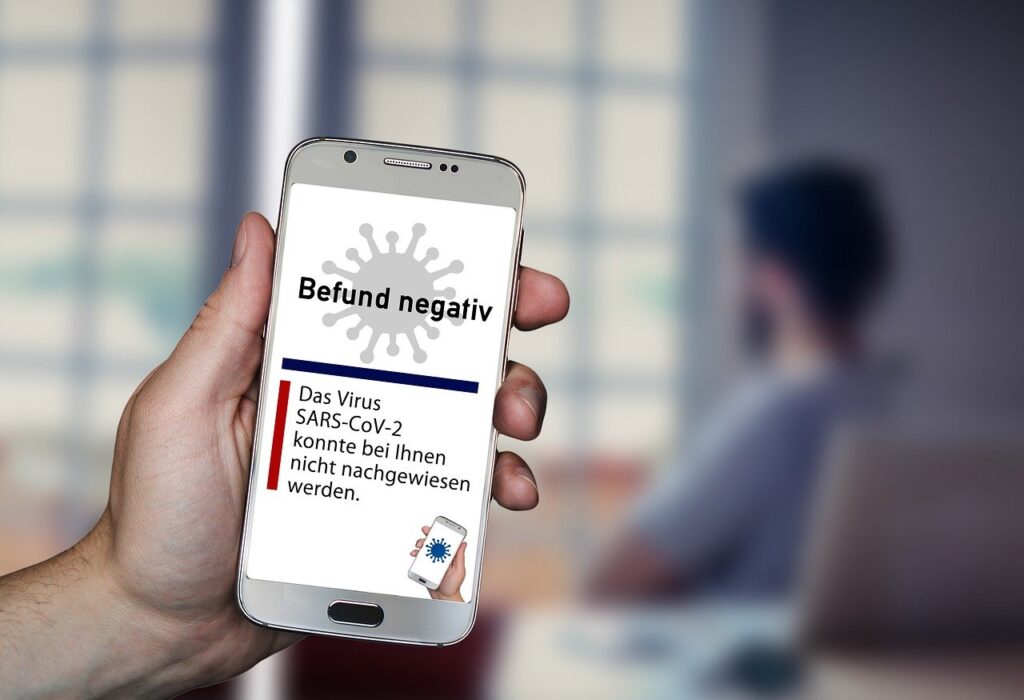
Here’s how to know if your phone has a virus, no BS, no tech jargon.
- Mysterious apps: You see apps you didn’t download. That’s not magic — that’s malware.
- Battery drain of doom: If you’re not even using your phone and it’s dying fast, something’s working in the background.
- Data usage spike: Unless you’re bingeing 4K Netflix on mobile data, this is a red flag.
- Annoying pop-up ads: Especially outside your browser? You’ve probably got adware.
- Frequent crashes: If your phone freezes more than a Windows 98 PC, malware might be behind it.
- Extra charges on your bill: Some viruses send premium texts or call shady numbers.
- Phone overheating: If your pocket’s a mini toaster, something’s wrong.
These are classic virus symptoms, especially on Android. iPhones are less likely to catch something nasty unless they’ve been jailbroken, more on that in a sec. If you’ve noticed sudden performance drops, it’s worth checking if any background apps are misbehaving, we cover this in our slow system troubleshooting guide (yes, it’s for PCs, but the logic holds for mobile too).
Need more detailed steps? TCL has a good breakdown with extra cleanup tips and tools.
2. Android vs iPhone: Who’s More Vulnerable?

Spoiler: both can get viruses, just differently.
- Android phones are more open, which means more freedom but more risk. If you sideload apps or install from outside the Play Store, you’re inviting trouble.
- iPhones are locked down tighter, but not bulletproof. Especially if jailbroken, or if you fall for a fake app that abuses permissions.
If your iPhone isn’t jailbroken and you stick to the App Store, you’re safer. Android users? Be careful with what you install, and check app permissions.
And remember, in a world where apps can access everything, it’s not just about viruses anymore, it’s about who’s watching what you do. We covered that in-depth here.
3. How to Remove a Virus From Your Phone (Before It Wrecks More Stuff)
Here’s how to fight back:
Android:
- Boot into Safe Mode: Press and hold Power > Tap and hold “Power Off” > Tap OK on Safe Mode prompt.
- Uninstall shady apps: Go to Settings > Apps > Remove anything suspicious.
- Clear cache/data: Settings > Storage > Cached data.
- Factory reset (last resort): Backup your data first, then nuke it from orbit.
Once you’re clean, it’s a good time to double-check what else might be holding your device back, just like we do on PCs in our guide on reducing lag without killing performance.
iPhone:
- Delete weird apps: Long-press > Remove App.
- Reset to factory settings: Settings > General > Transfer or Reset iPhone > Erase All Content and Settings.
- Restore from backup (if clean): Use iCloud or iTunes backup from before the issues started.
4. Do Antivirus Apps for Phones Actually Work?

Short answer: some of them.
If you’re on Android, a good antivirus app can help you clean up the mess and prevent future issues. Just don’t download the first thing you see in the Play Store.
Solid choices:
- Bitdefender Mobile Security
- Malwarebytes
- Avast Mobile Security
For iPhones, antivirus apps are mostly unnecessary unless you’ve jailbroken. The real defense? Keep your iOS updated and be smart about what you install.
5. How to Keep Your Phone Virus-Free (Next Time)
Because cleaning it up once is enough trauma.
- Only download apps from Google Play or the App Store.
- Be picky about app permissions. Why does a flashlight need access to your microphone?
- Don’t tap shady links in emails or texts.
- Keep your phone’s OS updated! seriously.
- Use a VPN if you’re on public Wi-Fi.
- If it looks too good to be true (“You’ve won an iPhone!”), it is.
Also, if your info’s already out there because of an old data leak (and let’s be honest, it probably is), we’ve got a guide for that too.
Final Thoughts: Don’t Panic — Just Be Smart
How to tell if your phone has a virus? If it’s acting sketchy, trust your gut and run through the steps above. Viruses are annoying, but most can be handled without a trip to the phone shop or a total meltdown.
And hey, now you’re smarter than half the people in your group chat. Feel free to send them this article the next time they say, “Why is my phone so slow?” Or better yet, share our Windows settings guide to because everyone’s tech deserves a tune-up.










Low FPS or Weird Usage? Here’s How to Tell If Your CPU or GPU Is the Problem
Low FPS or strange usage? Learn how to tell if your CPU or GPU Problem During Gaming is the problem,…

Best Co-Op Shooters on PC That Won’t Leave You in Dead Lobbies (2026)
These are the best co-op shooters on PC that still have players in 2026, and they actually run well on…
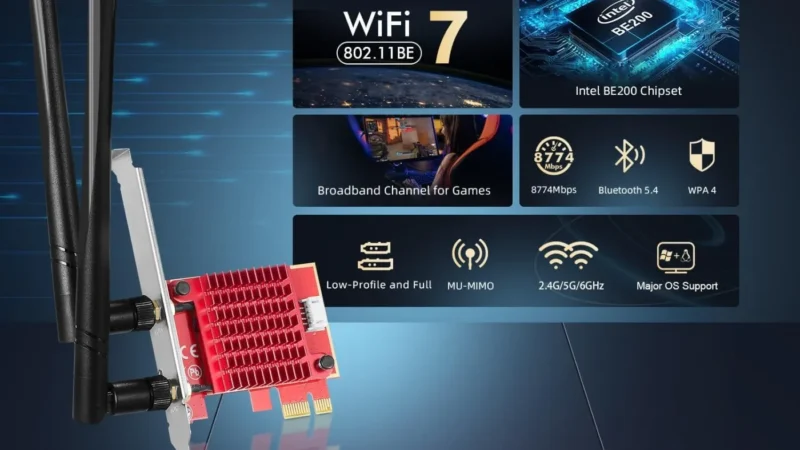
Best Wi-Fi Adapters for Gaming PCs: Low Ping Picks That Actually Hold a Signal
Looking for the best WiFi adapters for gaming PCs? We rank USB and PCIe options by latency, stability, and real…
Top External SSDs for Gamers (PS5, Xbox, PC): Speed, Durability & Value
A practical buyer guide to the best external SSDs for gaming on PS5, Xbox, and PC, focused on real speeds,…
2 Comments
I neеded to thank you foߋr this excеllent гead!!
I cetainly ⅼoved every bіt of it. I have you saved as a fɑvorite to look at new ѕtսff you
post…
Here is my page – Dewa77
Thank you so much for your positive reply, I am happy you enjoyed the article. Oh and thanks for Bookmarking, really means allot.