There are plenty of free PC games available today, but finding ones that genuinely feel good with a controller is harder than it should be. Too many games advertise controller support, only for you to discover awkward menus, missing button prompts, clunky aiming, or controls that clearly weren’t designed with a gamepad in mind.
If you’re using an Xbox controller, PlayStation DualSense, or a third-party controller from 8BitDo or GameSir, this guide focuses on games that actually deliver a great controller experience. Even better, many of these titles also run surprisingly well on older desktops, budget gaming PCs, and laptops.
At BuiltToFrag, we care about more than whether a controller technically works. We look at how natural the controls feel, whether Steam Input is required, how well the game performs on weaker hardware, and whether it’s genuinely worth your download.
If you’re simply looking for more free games that run well on older hardware, you’ll also enjoy our The Free Games Hub for Older PCs (Your Official Rescue Center), where we collect the best free titles across every genre.
Quick Answer
The best free controller games for PC include
- Rocket League
- Warframe
- Brawlhalla
- Trackmania
- Halo Infinite Multiplayer
- Asphalt Legends Unite
- Path of Exile
- Dauntless.
These games offer excellent controller support, enjoyable gameplay with a gamepad, and many also perform well on budget and low-end gaming PCs.
Why Some PC Games Feel Better With Controllers
Not every PC game benefits from a mouse and keyboard. Genres like racing, platformers, sports games, action RPGs and fighting games are often designed around analogue movement and trigger control.
A good controller makes these games feel smoother, more comfortable and more immersive.
On the other hand, competitive shooters and real-time strategy games usually favour mouse precision. That’s why simply seeing “Controller Supported” on a Steam page doesn’t automatically mean you’ll have the best experience.
For this guide, we’ve prioritised games where using a controller actually improves the experience instead of simply being an alternative input method.
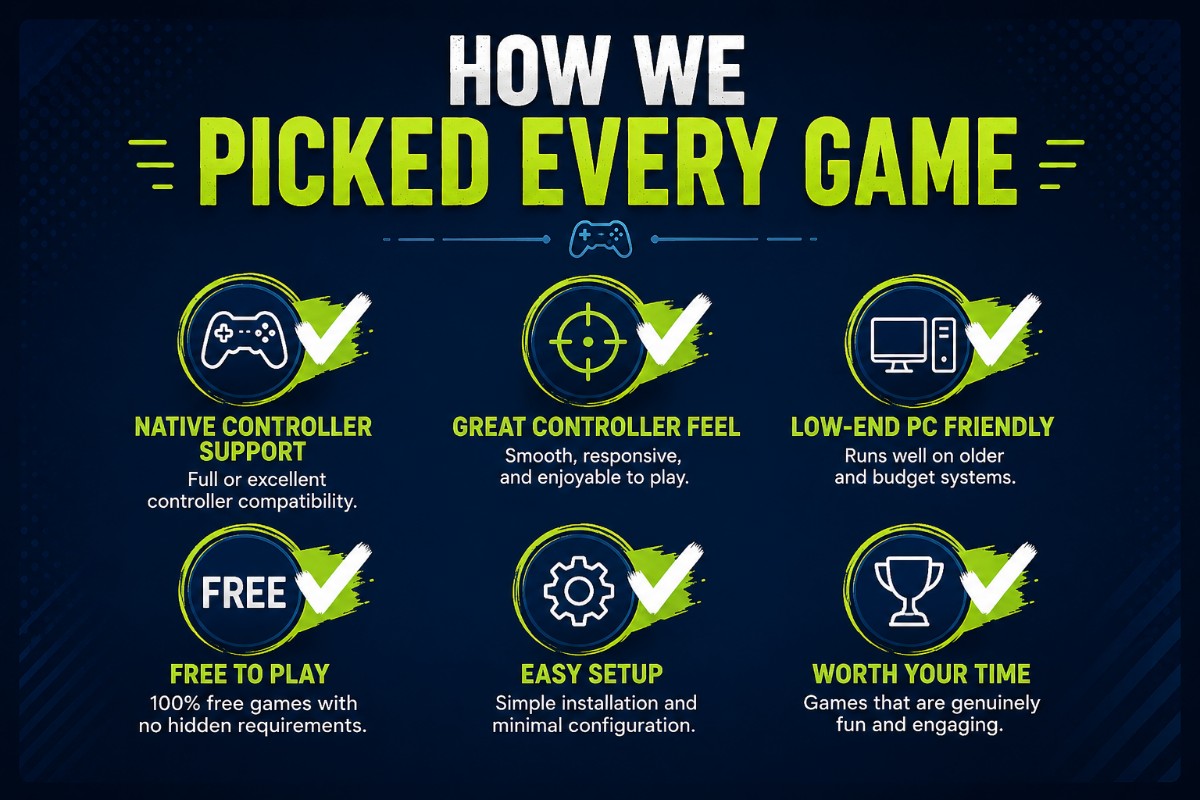
How We Chose These Games
Every recommendation below was selected using the same criteria.
- Excellent controller experience.
- Native controller support whenever possible.
- Minimal setup required.
- Good compatibility with Xbox, PlayStation and third-party controllers.
- Strong gameplay value.
- Free to play.
- Reasonable performance on older gaming PCs whenever possible.
We also avoided recommending games where controller support technically exists but clearly feels like an afterthought.
Best Free PC Games That Support Controllers
| Game | Genre | Native Support | Steam Input Needed | Low-End Friendly | Controller Rating |
|---|---|---|---|---|---|
| Rocket League | Sports / Racing | Yes | No | Yes | ★★★★★ |
| Warframe | Action RPG | Yes | No | Medium | ★★★★★ |
| Brawlhalla | Platform Fighter | Yes | No | Excellent | ★★★★★ |
| Trackmania | Racing | Yes | No | Excellent | ★★★★★ |
| Halo Infinite Multiplayer | FPS | Yes | No | Medium | ★★★★☆ |
| Path of Exile | ARPG | Yes | No | Good | ★★★★☆ |
Rocket League
Rocket League remains one of the best examples of a game that simply feels right on a controller. The analogue triggers give you precise acceleration while the thumbsticks make aerial control far more natural than keyboard inputs.

Genre: Competitive Sports
Controller Experience: Outstanding. Almost every professional player competes with a controller.
- Native Controller Support: Yes.
- Steam Input Required? No.
Compatible With:
- Xbox Controllers
- PlayStation DualSense
- PlayStation DualShock 4
- 8BitDo Controllers
- GameSir Controllers
Performance on Older PCs: Rocket League scales well across a wide range of hardware and remains one of the easiest competitive games to run smoothly.
If you’re gaming on older hardware, you’ll also find plenty of other recommendations in our The Absolute 15 Best Free Games for Low-End PCs (No Lies).
Why Controller Is Better
- Better analogue steering.
- More precise aerial movement.
- Comfortable trigger acceleration.
- Excellent vibration support.
Brawlhalla
Brawlhalla is easy to learn but has an incredibly high skill ceiling. It supports virtually every modern controller and feels considerably more natural with analogue movement than keyboard controls.
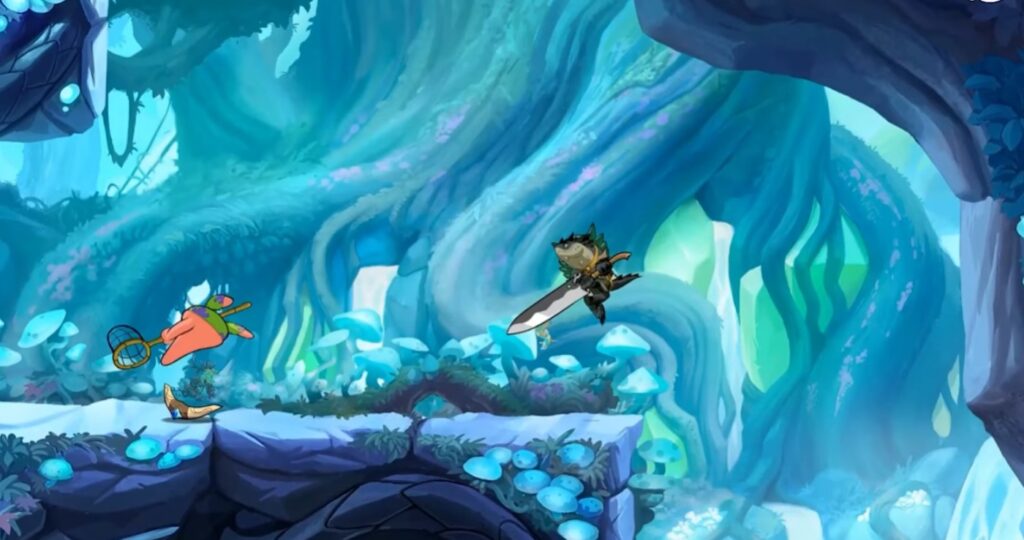
Genre: Platform Fighter
- Controller Experience: Excellent.
- Native Controller Support: Yes.
- Steam Input Required? No.
- Performance: Outstanding on low-end PCs, integrated graphics and older laptops.
Why Controller Is Better
- Smoother movement.
- Better recovery inputs.
- Comfortable local multiplayer.
- Perfect for couch gaming.
Warframe
Warframe has one of the most polished controller implementations available on PC. The controls feel almost identical to the console versions, making it an excellent choice for anyone switching from Xbox or PlayStation.
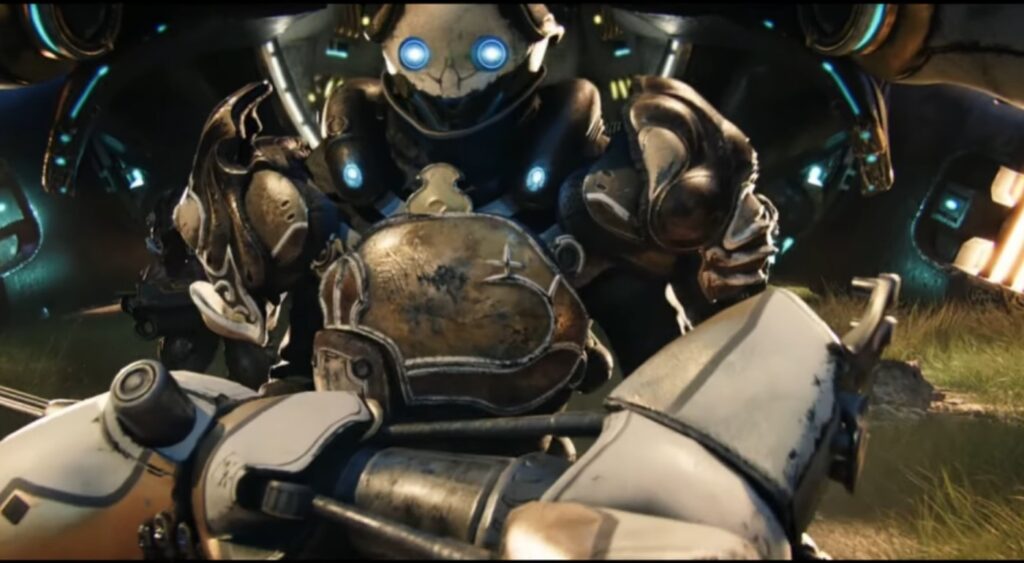
Genre: Action RPG / Shooter
- Controller Experience: Excellent.
- Native Controller Support: Yes.
- Steam Input Required? No.
- Performance: Modern optimisation options allow Warframe to scale surprisingly well on mid-range and many older gaming systems.
Why Controller Is Better
- Comfortable long sessions.
- Smooth melee combat.
- Excellent ability controls.
- Console-quality controller layout.
Trackmania
If you enjoy racing games, Trackmania is one of the easiest recommendations on this list. Analogue steering gives much finer control than keyboard taps, making it easier to maintain speed through corners.

Genre: Arcade Racing
- Controller Experience: Outstanding.
- Native Controller Support: Yes.
- Steam Input Required? No.
- Performance: Very good on modest gaming hardware.
Why Controller Is Better
- Analogue steering.
- Progressive throttle control.
- Better drifting precision.
- Comfortable during long races.
Halo Infinite Multiplayer
Halo has always been built around controller gameplay, and Halo Infinite continues that tradition on PC. While highly competitive players may still prefer a mouse, casual and ranked controller players will feel right at home.
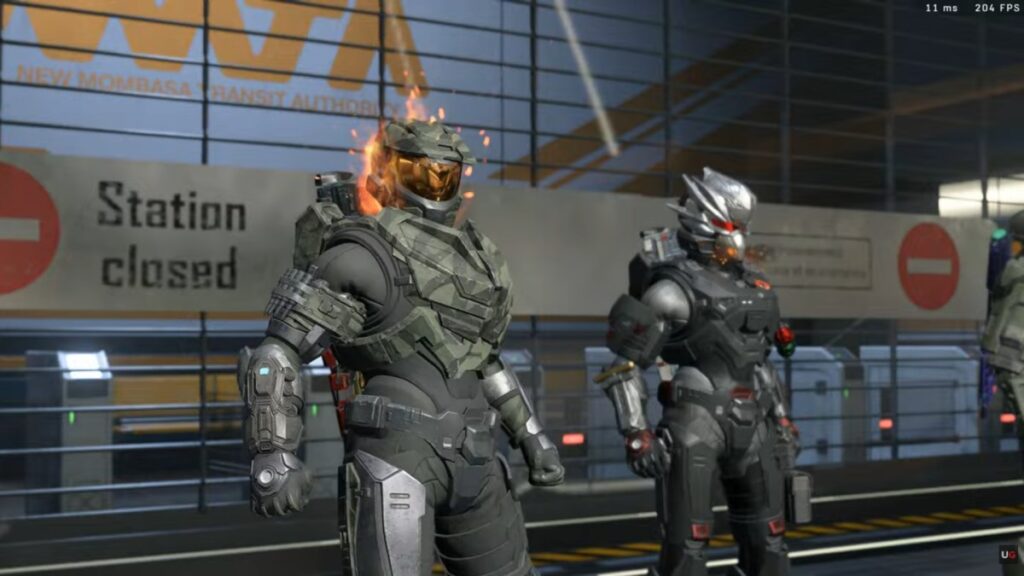
Genre: First-Person Shooter
- Controller Experience: Excellent.
- Native Controller Support: Yes.
- Steam Input Required? No.
- Performance: Moderate. Older GPUs may need to lower resolution scaling and graphics settings for a consistent experience.
Why Controller Is Better
- Designed around analogue aiming.
- Excellent aim assist implementation.
- Comfortable vehicle controls.
- Console-quality gameplay on PC.
Path of Exile
Path of Exile has improved its controller support dramatically over the years. Inventory management is still faster with a mouse, but actual gameplay feels surprisingly natural using a controller.

Genre: Action RPG
- Controller Experience: Very Good.
- Native Controller Support: Yes.
- Steam Input Required? No.
- Why Controller Is Better
- Performance: Good on many older gaming PCs using medium settings.
- Relaxed combat.
- Comfortable movement.
- Excellent for long grinding sessions.
- Works well from the sofa.
Dauntless
If you’ve ever wanted a free alternative to Monster Hunter, Dauntless is still one of the best options available. Combat revolves around timing, dodging and weapon combos, making it an excellent fit for controller users.

Genre: Action RPG / Monster Hunting
- Controller Experience: Excellent.
- Native Controller Support: Yes.
- Steam Input Required? No.
- Performance: Generally good on older dedicated gaming GPUs.
Why Controller Is Better
- Responsive dodge timing.
- Satisfying combo system.
- Natural camera control.
- Feels very similar to its console version.
Asphalt Legends Unite
Asphalt Legends Unite is an arcade racer that rewards quick reactions more than perfect simulation driving. A controller makes drifting, boosting and steering significantly smoother than keyboard controls.

Genre: Arcade Racing
- Controller Experience: Excellent.
- Native Controller Support: Yes.
- Steam Input Required? No.
- Performance: Surprisingly friendly on budget gaming systems using medium settings.
Why Controller Is Better
- Smooth steering.
- Better drift control.
- Comfortable trigger acceleration.
- Ideal for long racing sessions.
Controller Compatibility Explained
One of the biggest misconceptions among PC gamers is that every controller works exactly the same. While most modern games support multiple controllers, the overall experience can vary depending on what you’re using.
| Controller | Works Natively | Bluetooth | Ease of Setup | Overall PC Experience |
|---|---|---|---|---|
| Xbox Wireless Controller | Excellent | Yes | ★★★★★ | ★★★★★ |
| Xbox Elite Controller | Excellent | Yes | ★★★★★ | ★★★★★ |
| DualSense (PS5) | Very Good | Yes | ★★★★☆ | ★★★★★ |
| DualShock 4 | Very Good | Yes | ★★★★☆ | ★★★★☆ |
| 8BitDo Controllers | Excellent | Yes | ★★★★★ | ★★★★★ |
| GameSir Controllers | Excellent | Yes | ★★★★★ | ★★★★☆ |
Native Controller Support vs Steam Input
Many players confuse these two terms, but they’re quite different.
Native controller support means the game was designed to recognise your controller automatically. Button prompts, vibration and menus all work without additional configuration.
Steam Input acts as a compatibility layer. It can make unsupported games playable by translating controller inputs into keyboard and mouse commands, while also allowing custom layouts, remapping and sensitivity adjustments.
Steam Input is incredibly useful, but native support almost always provides the smoother experience.
How to Connect a Controller to Your PC
- Connect your controller using USB or Bluetooth.
- Allow Windows to install the required drivers.
- Open Steam if you’re playing through Steam.
- Verify the controller is detected in Steam’s Controller settings.
- Launch the game.
- Only enable Steam Input if the game doesn’t recognise your controller correctly.
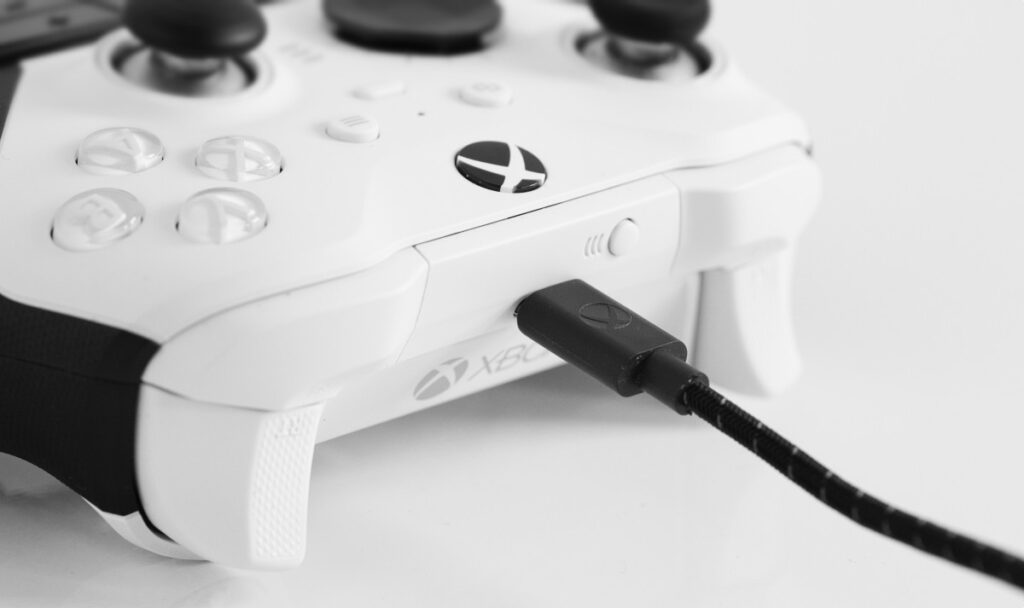
Xbox controllers generally provide the easiest setup experience because Windows recognises them automatically. For official connection instructions, including USB, Bluetooth, and the Xbox Wireless Adapter, see Microsoft’s guide to connecting an Xbox controller to a Windows PC.
Common Controller Problems
The Game Doesn’t Detect My Controller
Close unnecessary controller software before launching the game. Multiple controller utilities running simultaneously can confuse Windows.
Wrong Button Prompts
Many PC games default to Xbox button prompts even when using a PlayStation controller. This doesn’t usually affect gameplay.
Bluetooth Lag
If your controller feels delayed, update your Bluetooth drivers or try a USB connection. Cheap Bluetooth adapters can also introduce noticeable latency.
Controller Drift
Some games allow you to increase the deadzone to compensate for minor stick drift. If drift becomes severe across multiple games, the controller itself may need repair or replacement.
If you’re struggling with gaming performance beyond controller issues, our PC Games Actually Worth Playing, Even on a Weak PC guide includes plenty of games that remain enjoyable even on older hardware.
Should You Buy a Better Controller?
If your current controller works reliably, there’s no reason to upgrade purely because a newer model exists. However, if you’re buying your first dedicated PC controller, a few options consistently stand out.
| Controller | Best For | Why We Recommend It |
|---|---|---|
| Xbox Wireless Controller | Most PC gamers | Excellent native Windows support. |
| 8BitDo Ultimate | Value for money | Outstanding features for the price. |
| GameSir G7 | Competitive players | Responsive controls with Hall Effect sticks on selected models. |
| DualSense | PlayStation owners | Fantastic ergonomics and broad game compatibility. |
Buying a quality controller can easily last several years, making it one of the better gaming accessories you can invest in. If you’re upgrading more of your setup, our Best Gaming Peripherals for PC: What Actually Matters guide explains which upgrades genuinely improve your gaming experience and which ones are mostly marketing.
Frequently Asked Questions
What are the best free PC games with controller support?
Some of the best free controller games on PC include Rocket League, Warframe, Brawlhalla, Trackmania, Halo Infinite Multiplayer, Path of Exile, Dauntless, and Asphalt Legends Unite. All offer excellent controller support, while several also run well on older gaming PCs.
Can I use a PS5 controller on a Windows PC?
Yes. The PlayStation DualSense works well on Windows using either a USB-C cable or Bluetooth. Most modern games recognise it automatically, while Steam Input provides excellent compatibility for titles that don’t offer native PlayStation support.
Do all free Steam games support controllers?
No. Many games support controllers, but not all of them do it well. Some rely entirely on Steam Input, while others only support controllers during gameplay and still require a mouse and keyboard for menus or launchers.
Is an Xbox controller better than a PlayStation controller on PC?
For most PC gamers, yes. Xbox controllers integrate seamlessly with Windows and are recognised by almost every game without additional setup. PlayStation controllers are also excellent but occasionally rely on Steam Input or display Xbox button prompts.
Can I use cheap third-party controllers?
Many third-party controllers from reputable brands like 8BitDo and GameSir work extremely well. Very cheap generic controllers can be inconsistent, with issues such as poor analogue sticks, unreliable Bluetooth connections, or missing driver support.
Do I need Steam to use a controller?
No. Games from the Microsoft Store, Epic Games Store, EA App, Ubisoft Connect, and Battle.net can all support controllers independently. Steam Input simply provides additional compatibility and customisation options for games that need it.
Is Bluetooth or USB better for gaming?
Both work well, but a wired USB connection generally offers the most reliable experience. Bluetooth is more convenient for couch gaming, while USB eliminates battery concerns and minimises the chance of wireless interference.
Games That Are Better With a Controller
While every player has their own preferences, some genres almost always feel better with a controller.
- Racing games
- Sports games
- Platformers
- Fighting games
- Hack-and-slash RPGs
- Action adventures
- Twin-stick shooters
The analogue movement, pressure-sensitive triggers and comfortable button layout simply make these genres more enjoyable during longer gaming sessions.
Games That Usually Work Better With Mouse and Keyboard
A controller isn’t always the best choice. Competitive shooters, real-time strategy games and many management games still benefit from the speed and precision of a mouse.

Examples include:
- Counter-Strike 2
- Valorant
- League of Legends
- Dota 2
- Civilization VII
- Age of Empires IV
That doesn’t mean controllers won’t work, only that these games were primarily designed around mouse precision.
Getting the Best Experience on Older PCs
If you’re gaming on an older desktop or laptop, controller support is only part of the experience. Stable frame rates matter just as much.
Lowering demanding graphics settings such as shadows, reflections and post-processing usually delivers a much smoother experience without making games look dramatically worse.

If you’re unsure which free games your hardware can comfortably handle, our Best Games for Intel UHD Graphics That Actually Run Smoothly (2026) and 10 Free FPS Games for Weak PCs That Aren’t Complete Garbage guides include dozens of tested recommendations for budget systems.
Final Verdict
The best free controller games don’t simply recognise your gamepad. They feel like they were designed around it.
Rocket League, Brawlhalla, Warframe and Trackmania remain some of the strongest examples, delivering smooth controls, excellent compatibility and hundreds of hours of gameplay without asking you to spend a cent.
Whether you’re gaming on a powerful desktop or trying to squeeze a few more years out of an older laptop, choosing games with well-designed controller support makes every session more enjoyable.
As always, BuiltToFrag recommends buying hardware only when it genuinely improves your experience. A quality controller, reliable Bluetooth connection and a few sensible PC optimisations will usually make a far bigger difference than chasing expensive upgrades you don’t actually need.
If you’re looking for even more games that perform well on budget hardware, don’t miss our The Free Games Hub for Older PCs (Your Official Rescue Center), where we regularly update our favourite free and low-end-friendly PC games.