Updated February 2026: Hardware moves fast. Your wallet should not have to. This future proof PC build guide shows you how to build a platform that survives multiple upgrade cycles, supports next-gen GPUs, and avoids the common dead-end parts that force full rebuilds.
If you build smart at the foundation level, your next upgrades take minutes, not weekends. This guide shows exactly where to spend, where to stay midrange, and how to keep your upgrade path clean for the next 3 to 5 years.
Quick Take: What Actually Makes a PC Future Proof
- Strong motherboard with upgrade-friendly socket and chipset
- High quality PSU with wattage and connector headroom
- High airflow case with GPU and radiator clearance
- Cooling that can handle a hotter CPU later
- Enough PCIe and NVMe expansion for storage growth
- Do not overspend on GPU or CPU first — platform comes first
| Component | Future-Proof Target | Why It Matters Later | If You Cheap Out |
|---|---|---|---|
| Power Supply (PSU) | Gold rated, ATX 3.x, 750–1000W, modular | Handles next-gen GPUs and new power connectors | GPU upgrades require PSU replacement |
| Motherboard | Strong VRMs, modern chipset, multiple NVMe | Supports hotter future CPUs and faster storage | CPU upgrades throttle or fail |
| Case | Mesh airflow, long GPU clearance, 360mm rad support | Fits larger GPUs and better cooling later | New GPU or AIO does not fit |
| CPU Cooling | High-end air or 280–360 AIO class | Allows CPU tier upgrades without thermal limits | Thermal throttling on upgrade |
| RAM Slots | 4 DIMM slots, higher max capacity | Easy memory expansion path | Must replace instead of expand |
| Storage Support | 2–4 NVMe slots + extra SATA | Add fast storage without adapters | Upgrade requires add-in cards |
| PCIe Support | PCIe Gen4 or Gen5 GPU + NVMe lanes | Bandwidth ready for next GPUs and SSDs | Performance bottlenecks appear |
What Future Proofing Actually Means
Future proof does not mean “never upgrade.” It means you choose parts that do not block your upgrades later. Most rebuilds happen because of platform limits, not because the GPU was too slow.
Bad motherboard, weak PSU, cramped case, or poor cooling — those are what force expensive rebuilds. Fix those first and everything else becomes swappable.
If you need help balancing total spend, read our Gaming PC Budget Guide alongside this one.
The Parts You Should Not Cheap Out On
These are your long-life components. Buy them once, reuse them across multiple upgrades.
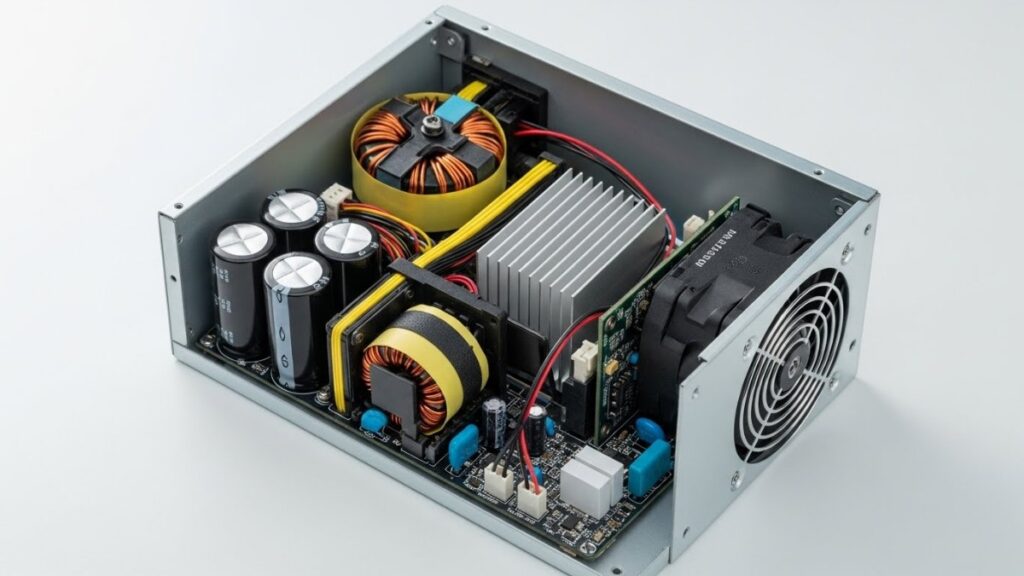
Power Supply (PSU)
Your PSU decides whether your next GPU is plug-and-play or plug-and-pray. Buy quality and buy headroom.
- 80+ Gold or better
- ATX 3.x / PCIe 5 ready connectors
- Fully modular
- 10 year warranty class
- Leave 30–40% wattage headroom
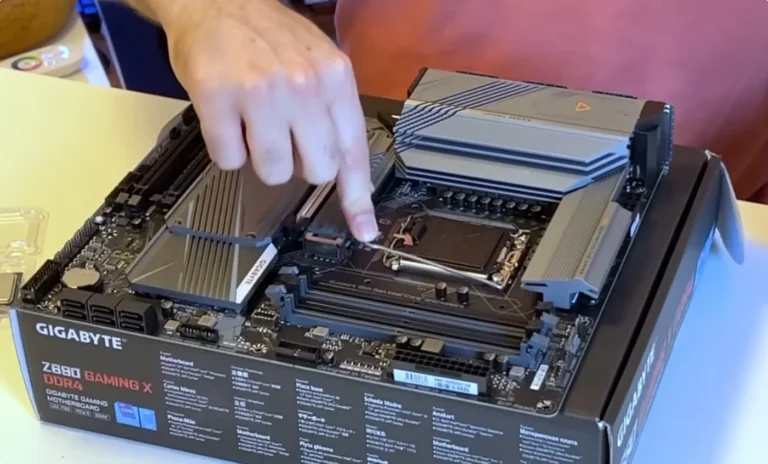
Motherboard
Motherboards determine upgrade lifespan more than CPUs do. Strong VRMs, modern I/O, and expansion options matter more than flashy branding.
- Strong VRM cooling
- Multiple NVMe slots
- PCIe Gen 5 support where possible
- 2.5 Gb LAN or better
- BIOS update support track record
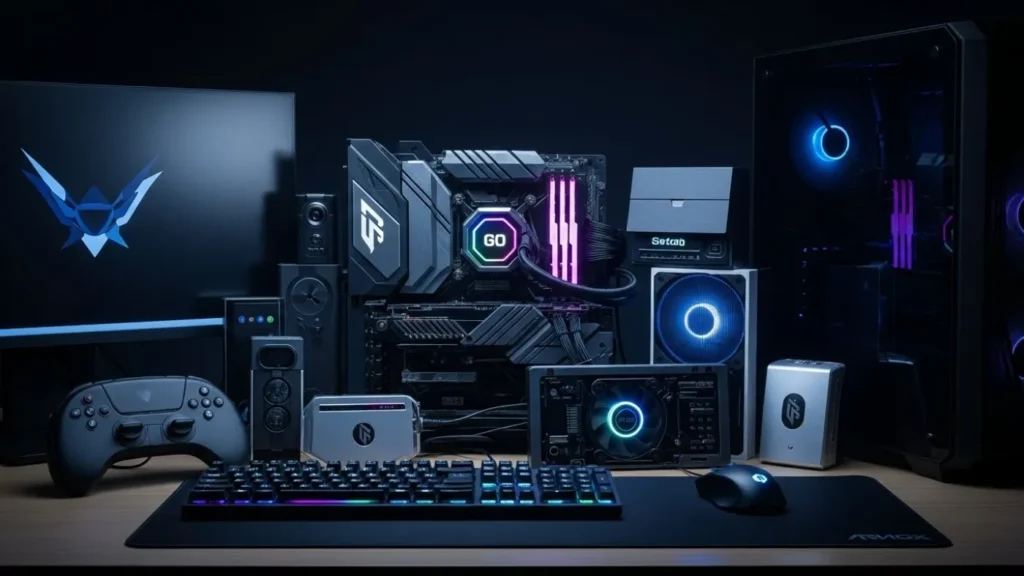
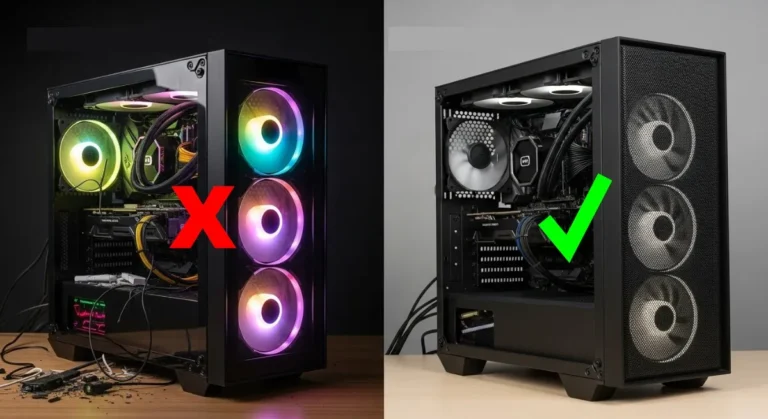
Case and Airflow
Future GPUs are not getting smaller. Airflow cases with clearance save rebuild pain later.
- Mesh front
- Long GPU clearance
- 360 mm radiator support
- 140 mm fan support
- Real cable space behind tray
CPU Cooling
Cooling is upgrade insurance. A cooler that barely handles today’s CPU will fail your next one.
- Large tower cooler or reputable AIO
- Socket compatibility for next gens
- Room for additional fans
Parts You Can Safely Buy Midrange

These parts are easy to swap later. Do not sink all your budget here first.
GPU Strategy
Buy for your current resolution, not hypothetical future games. Your platform should support your next GPU jump without needing replacements.
Use our GPU picks by resolution to match spend to display.
Very tight budget? Integrated graphics builds are now viable — see No-GPU Gaming PC.
CPU Strategy
Midrange CPU on a strong board beats flagship CPU on a weak board. Gaming rewards clocks and cache more than core count.
Upgrade CPU later when a real generational jump appears.
Sample Future-Proof Platform Build
This is a foundation-first build example. GPU tier can be swapped freely later.
- ATX airflow case
- 850W Gold ATX 3 PSU
- Upgrade-friendly chipset motherboard
- 32GB RAM capacity support
- Dual NVMe slots minimum
- High-end air cooler or 280–360 AIO support
| Part | Recommended Class | What To Look For | Upgrade Benefit Later |
|---|---|---|---|
| Case | ATX Airflow Case | Mesh front, long GPU clearance, 360mm radiator support | Fits next-gen GPUs and larger cooling |
| Power Supply | 850W Gold ATX 3.x | Modular, PCIe 5 connector, 10-year warranty class | GPU upgrades without PSU swap |
| Motherboard | Upgrade-Friendly Chipset Board | Strong VRMs, 2–4 NVMe slots, PCIe Gen4/5 | Supports faster future CPUs |
| CPU | Midrange Gaming CPU | High clocks, strong gaming cache | Easy drop-in upgrade later |
| CPU Cooler | High-End Air or 280–360 AIO | Socket support + high TDP rating | Handles hotter next CPU |
| RAM | 32GB Ready Platform | Start 16GB or 32GB, leave 2 slots free | Cheap capacity expansion |
| Storage | Primary NVMe Gen4 SSD | 1–2TB OS/Game drive | Add more NVMe later |
| GPU | Match Current Resolution | Buy for today, not hypothetical 4K | Planned upgrade slot open |
So Here is a Full Build That Will be Relevant Way Into The Future

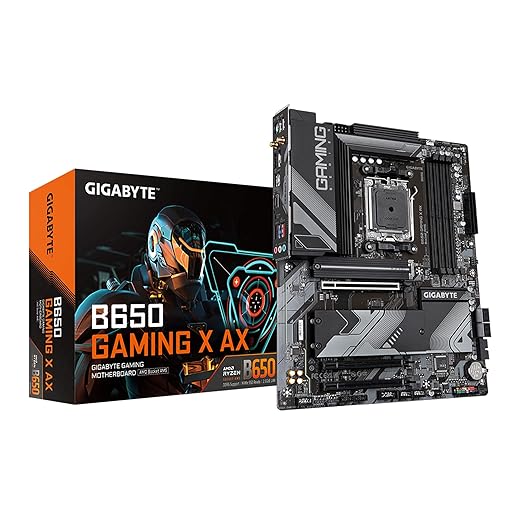


The Machine above has been carefully selected to fit together perfectly, If you plan to stray from some of our selections, always run your list through PCPartPicker to confirm compatibility, power draw, and physical clearance. It can save you from expensive mistakes.
3–5 Year Upgrade Path Plan
- Year 1–2: GPU upgrade
- Year 2–3: Storage expansion
- Year 3–4: CPU upgrade on same board
- Year 4–5: Platform refresh only if socket changes justify it
A staged plan prevents panic buys and wasted money. Also a word on CPU’s: Trying to build once and upgrade smart, Buying a Used CPU for Gaming shows how to stretch budget with used CPUs without taking stupid risks.
Real-World Performance Behavior
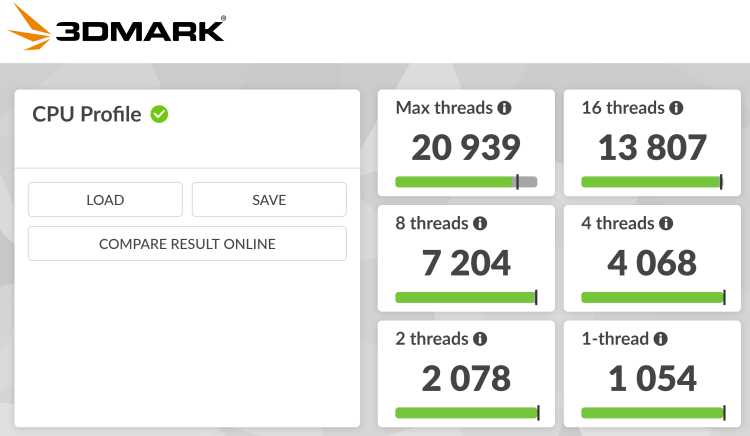
Modern games increasingly hit CPU frametimes and VRAM limits before raw GPU power. A strong motherboard, fast storage, and cooling stability help avoid stutter and throttling even before you upgrade graphics.
If you are building for long-term game demands, our GTA VI PC performance readiness guide shows the kind of load modern open worlds can create.
For tuning and diagnostics, use our full performance guides instead of guessing:
Common Future Proofing Mistakes
- Buying low-end motherboard with high-end CPU
- Undersized PSU
- Closed front case with poor airflow
- No GPU clearance planning
- Zero wattage headroom
- Buying max CPU now instead of platform strength
Future Proof PC Build FAQ
Is future proofing worth it?
Yes, when applied to platform parts. No, when applied to GPUs.
How much PSU headroom should I leave?
At least 30 percent above current peak load.
Should I buy the best CPU now?
No. Buy a strong platform first.
How long should a motherboard last?
One full CPU generation cycle minimum, two if socket survives.
Do I need DDR5 for future proofing?
For new builds, yes. It extends platform lifespan.
BTF Final Take

A future proof PC build is not about buying the most expensive parts. It is about buying the right foundation. Strong platform parts give you cheap, fast, painless upgrades later. That is where the real savings live.