Updated 03 March 2026: Refocused on real-world gaming performance, latency behavior, and what actually fixes lag.
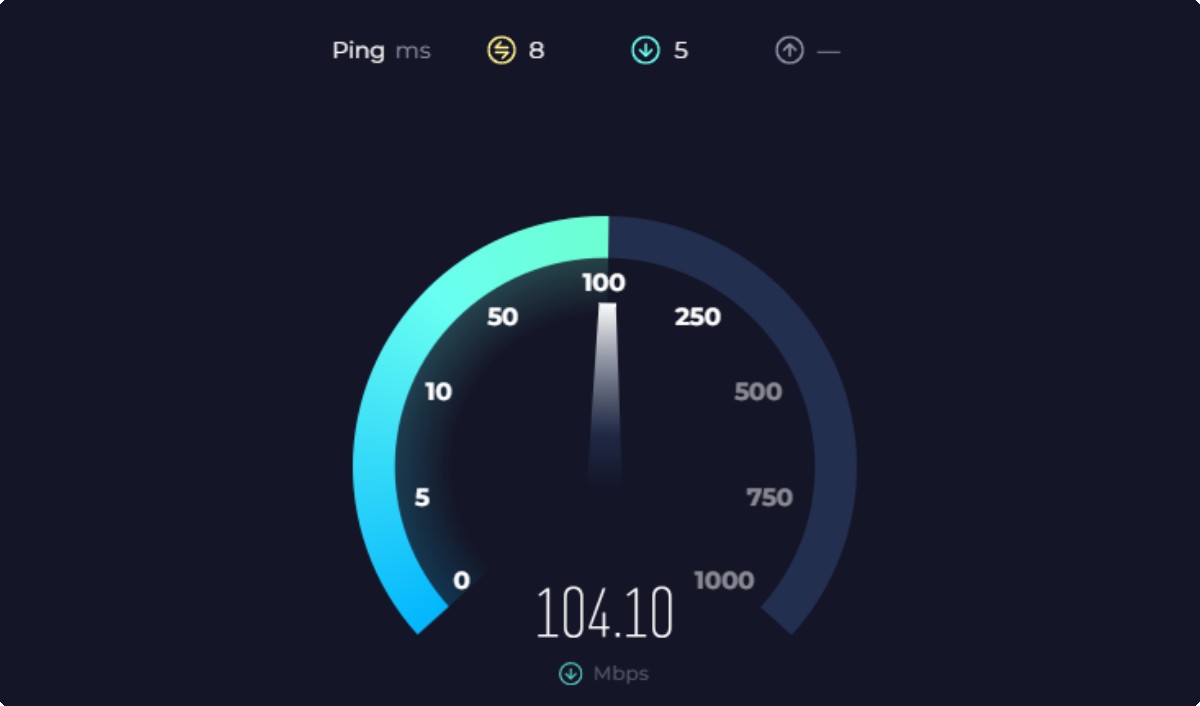
You upgraded your internet. Maybe even jumped from 50 Mbps to 500 Mbps. Speed tests look amazing. Downloads fly. So why does your game still lag? This “Does Faster Internet Reduce Lag” guide breaks down what’s really going on, and what actually fixes it.
Here is the uncomfortable truth: faster internet does not automatically reduce lag. In most cases, it barely changes your gaming experience at all.
If your ping is high, your connection feels unstable, or your game stutters online, the problem is usually somewhere else. This guide breaks down what actually matters, what does not, and when upgrading your internet or router is worth it.
Why Fast Internet Doesn’t Fix Lag
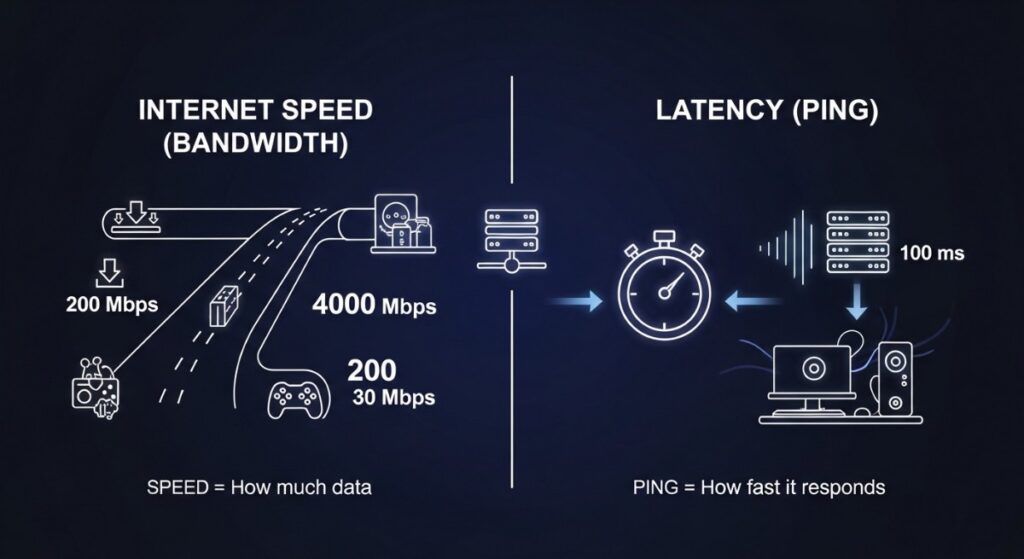
This is where most gamers get misled. Internet speed (measured in Mbps or Gbps) controls how much data you can download, not how fast that data travels.
Gaming depends on latency (ping), not bandwidth. Once you hit a basic threshold, usually around 25–50 Mbps, adding more speed does almost nothing for your in-game performance.
That means:
- 100 Mbps vs 1 Gbps = almost identical ping
- Faster downloads ≠ smoother gameplay
- Your problem is likely not your internet speed
If your game still lags on a fast connection, something else in your setup is causing the delay.
What Actually Causes Lag in Games

Lag is not one single problem. It is usually a combination of issues, and throwing more bandwidth at it rarely helps. These are the real culprits behind unstable gameplay.
- High ping: Distance to the game server or poor routing from your ISP
- Packet loss: Data is being dropped, causing rubberbanding and stutter
- Wi-Fi interference: Walls, devices, and congestion weaken signal stability
- Network congestion: Other users streaming or downloading in your home
- Bufferbloat: Your router struggling to manage traffic under load
If you have ever wondered why your game lags when someone opens YouTube or Netflix, you are not alone. That is usually a router or network management issue, not a speed issue.
For a deeper breakdown of how system bottlenecks affect gaming performance, read CPU vs GPU bottlenecks during gaming.
When Internet Speed DOES Matter
To be fair, speed is not completely useless. There are specific situations where faster internet actually helps.
- Multiple users: Several people gaming, streaming, and downloading at once
- Game downloads and updates: Large patches and installs
- Cloud gaming: Services like streaming games rely heavily on bandwidth
In these cases, higher speeds prevent your connection from getting saturated. But even then, stability matters more than raw speed. This is why many gamers still experience lag on fast fiber connections. The bottleneck is somewhere else.
When Your Router Is the Problem

Your router controls how traffic flows inside your home. If it cannot manage multiple devices efficiently, you will get spikes, delays, and inconsistent performance, even on fast internet.
These signs show that the wireless connection is involved, but they do not automatically prove that the router is responsible. The problem could still be weak signal, interference, antenna placement or the PC’s wireless adapter. Before replacing either device, follow our guide to testing whether your WiFi adapter is causing lag to separate local WiFi problems from router and internet problems.
The Signs are as follows:
- Lag spikes when someone else uses the network
- Wi-Fi signal drops or fluctuates
- High ping on Wi-Fi but normal on Ethernet
- Old hardware struggling with multiple devices
Modern routers, especially Wi-Fi 6 and Wi-Fi 7 models, improve:
- Device handling (more devices without slowdown)
- Traffic prioritization for gaming
- Reduced congestion and interference
But here is the key: a better router improves stability, not raw ping.
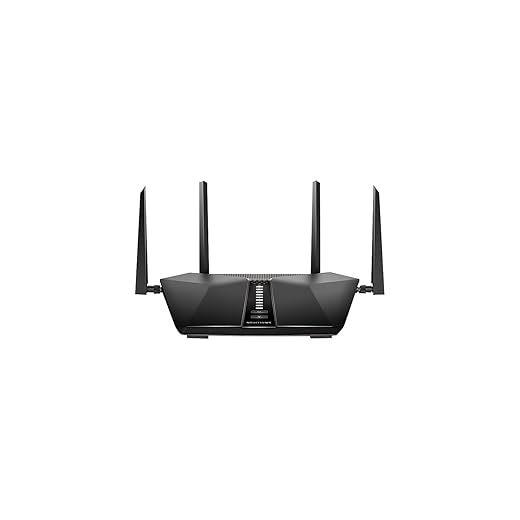
If your router is holding you back, these are solid upgrades:
- Budget:TP-Link Archer AX20 AX1800 Smart Dual-Band Wi-Fi 6 Router, great entry-level Wi-Fi 6 performance

- Mid-range: ASUS RT-AX82U, strong gaming features and stability

- Value: Netgear Nighthawk AX5400, excellent balance of power and price
- Top-tier: ASUS ROG Rapture Wi-Fi 7 routers, built for heavy multi-device environments
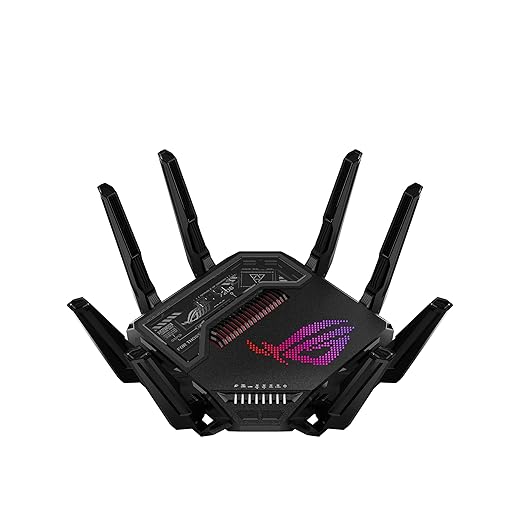
If your current router is more than 4–5 years old, upgrading can make a noticeable difference, especially in busy households.
Wi-Fi vs Ethernet for Gaming
This is one of the biggest differences you can make instantly. Wi-Fi is convenient, but it is inherently unstable compared to a wired connection. Even a strong signal can suffer from interference, jitter, and random spikes.
- Ethernet: Stable, consistent, lowest latency
- Wi-Fi: Convenient, but prone to spikes and interference
If you are serious about reducing lag, switching to Ethernet is often more effective than upgrading your internet plan. If running a cable is not practical, consider solutions like powerline adapters or repositioning your router.
How This Actually Behaves on Real PCs
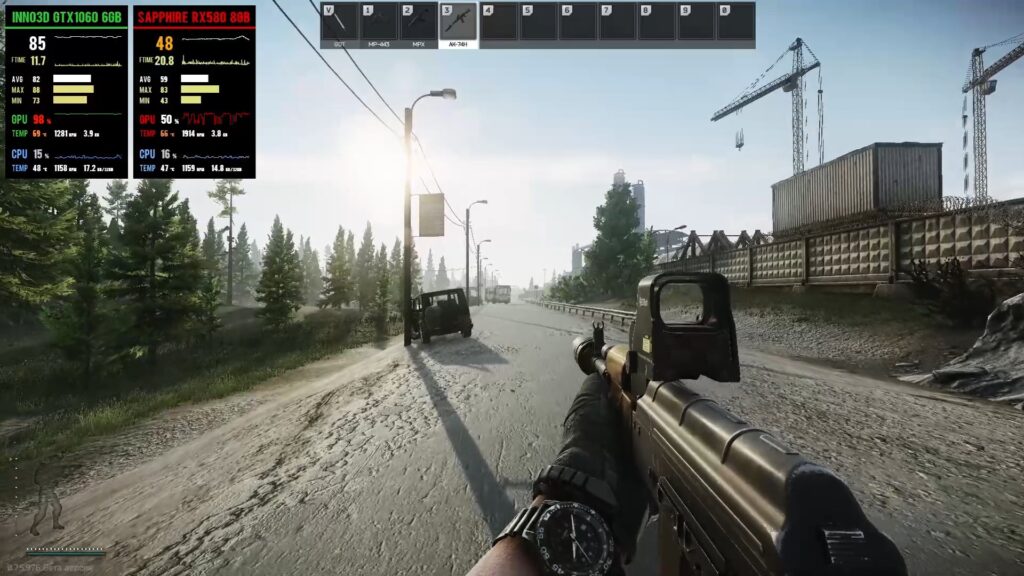
This is where a lot of confusion happens. Players often mix up FPS drops with network lag.
- Low FPS: Caused by your CPU or GPU struggling
- Lag (high ping): Caused by network issues
- Stutter: Can be either system or network related
Online games rely on a stable connection, but your hardware still plays a role. A weak system can feel like lag when it is actually performance-related.
If your system feels inconsistent, read why your PC still feels slow after an upgrade or check cheap upgrades that actually boost FPS.
Quick Fix Checklist (What Actually Works)
If you want immediate improvements, start here. These fixes solve most real-world lag issues.
- Use Ethernet instead of Wi-Fi
- Restart your router properly (not just a quick toggle)
- Limit background downloads and streaming
- Connect to the closest game server region
- Upgrade an outdated router
- Check for ISP routing issues
These steps matter far more than upgrading from 100 Mbps to 1 Gbps.
FAQ
Does faster internet reduce ping?
No. Ping depends on distance and routing, not bandwidth.
Is 100 Mbps enough for gaming?
Yes. For most gamers, it is more than enough.
Will Wi-Fi 7 reduce lag?
It can improve stability and reduce congestion, but it will not magically lower your ping.
Why do I lag even with good internet?
Usually due to Wi-Fi issues, router limitations, or server distance.
Final Verdict
Faster internet sounds like the obvious fix for lag, but in reality, it is rarely the solution. Once you have a decent connection, stability, routing, and hardware matter far more than speed.
If you are still lagging, stop chasing higher Mbps numbers. Look at your router, your connection type, and how your network behaves under real-world conditions.
That is where the real gains are. If you want a technical breakdown, Cloudflare explains how latency works and why it matters more than speed for real-time applications like gaming.