
Updated 02/02/2026
Silent PC Build Guide: Best Parts and Upgrades for a Quiet Gaming PC
If your gaming PC sounds like a vacuum cleaner under your desk, you do not need magic foam or exotic mods. You need better airflow, larger slower fans, and smarter part choices. Most loud “silent builds” fail because they choke airflow and force every fan to panic.
This silent PC build guide gives you the parts and upgrade choices that actually reduce noise. You will see what to buy, what to avoid, and what to tune so your system runs quieter without cooking your hardware or killing performance.
Fastest Noise Fixes If You Only Change Three Things

- Use a mesh airflow case, not a sealed front panel box
- Switch to 140 mm fans and keep them under about 900 RPM
- Undervolt your GPU before buying new cooling hardware
Those three changes alone fix a huge percentage of loud gaming PCs. Everything else in this guide builds on that foundation.
Why Most Silent PC Builds Fail
- Blocked airflow. Solid front panels and closed tops force higher fan speed, which means more noise.
- Small fast fans. 120 mm fans at high RPM sound worse than larger fans moving the same air slowly.
- Foam obsession. Foam reduces some sharp noise but traps heat, which makes every fan ramp harder.
- Cheap pumps. Budget AIO pumps often create a constant whine that never disappears.
- Aggressive GPU power targets. More heat equals more fan speed, always.
Silence is mostly airflow plus efficiency. If heat escapes easily, fans stay slow and the system stays quiet.
Core Principles of a Quiet Gaming PC
- Airflow first. Mesh intake, clear exhaust, no blocked paths.
- Large slow fans. Bigger blades, lower RPM, less noise.
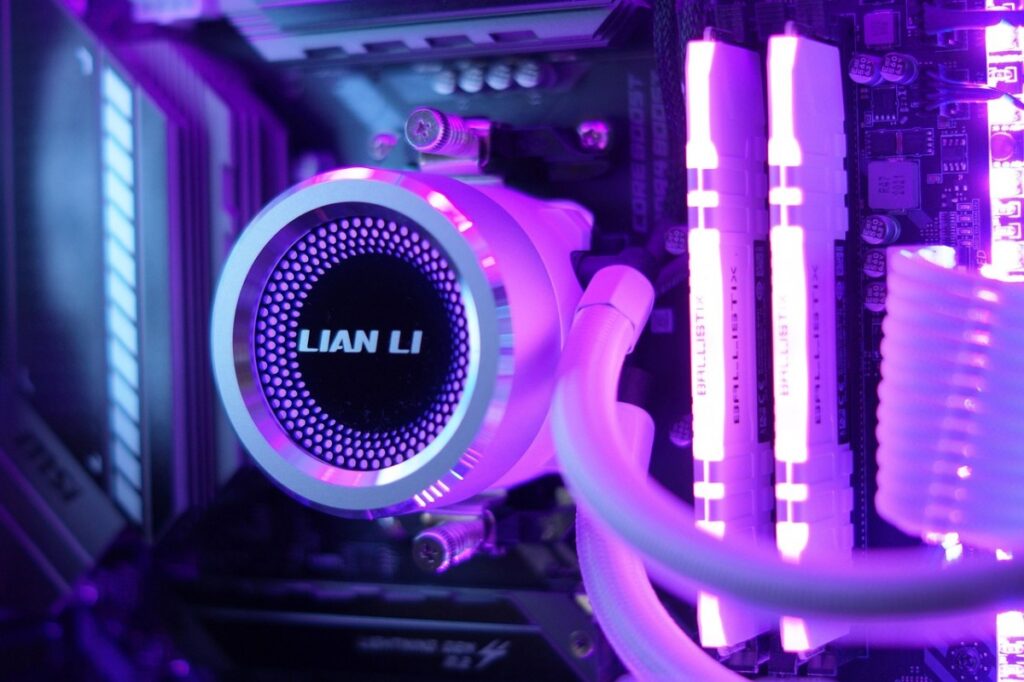
- Efficient cooling. Good tower coolers or quality radiators keep fan curves gentle.
- Semi passive parts. PSU and GPU with zero RPM modes help at idle.
- Balanced pressure. Slight positive pressure reduces turbulence and dust.
If you want long term upgrade flexibility, start with scalable parts. See Future-Proof PC Build and How to Pick PC Parts That Fit and Perform.
Best Quiet Case Types for Silent Builds
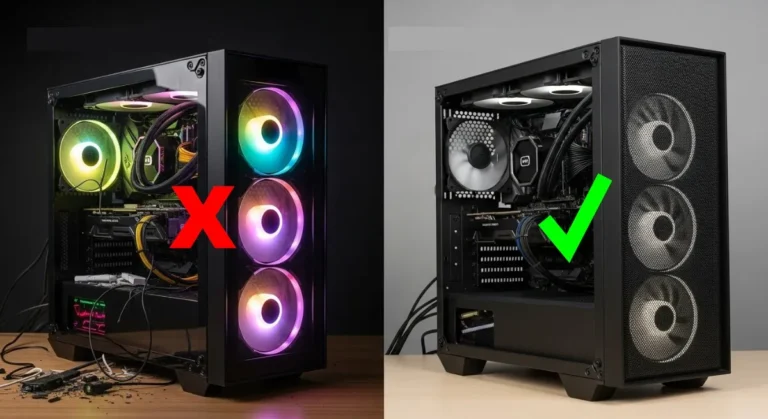
Ignore marketing labels that say “silent case” but seal off airflow. A breathable case with slow fans is quieter in real gaming loads than a padded box with trapped heat.
- Mesh front panel cases
- Support for 140 mm or larger fans
- Clear intake to GPU path
- Open rear and top exhaust options


Quiet Parts That Actually Matter
Case Fans
- Prefer 140 mm over 120 mm when possible
- Idle targets around 500 to 700 RPM
- Gaming targets around 700 to 900 RPM
- Avoid ultra cheap sleeve bearing fans


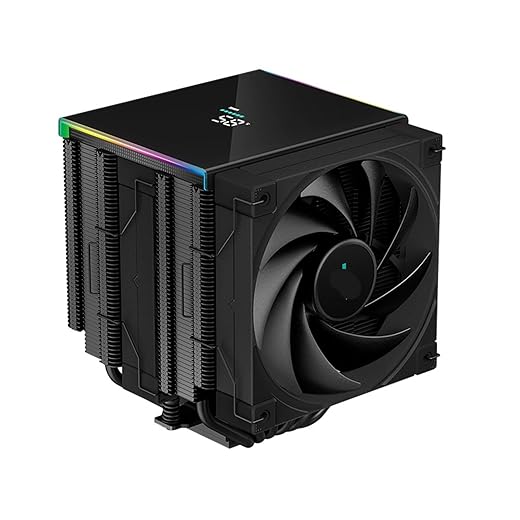
CPU Cooling
- Large air towers are often quieter than cheap AIOs
- Dual tower coolers with slow fans work extremely well
- If using AIO, pick known quiet pump models


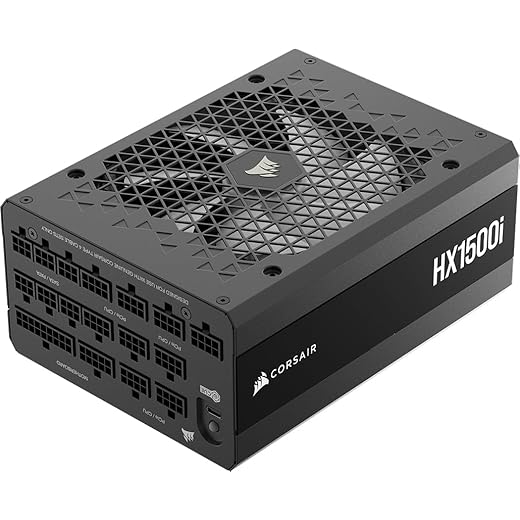
Power Supply
- Look for zero RPM fan mode
- Gold or Platinum efficiency reduces heat
- Oversized capacity helps keep fan speeds low


Silent Parts Comparison Quick View
| Part | Best Quiet Choice | Avoid | Why It Matters |
|---|---|---|---|
| Case | Mesh airflow | Closed front | Lower fan RPM needed |
| Fans | 140 mm PWM | Cheap 120 mm high RPM | Bigger blades, less noise |
| CPU Cooler | Large air tower | Cheap AIO | No pump whine |
| PSU | Semi passive | Always on fan | Silent at idle |
Sample Quiet Gaming PC Parts List
- Mesh airflow mid tower case
- Three to four 140 mm PWM fans
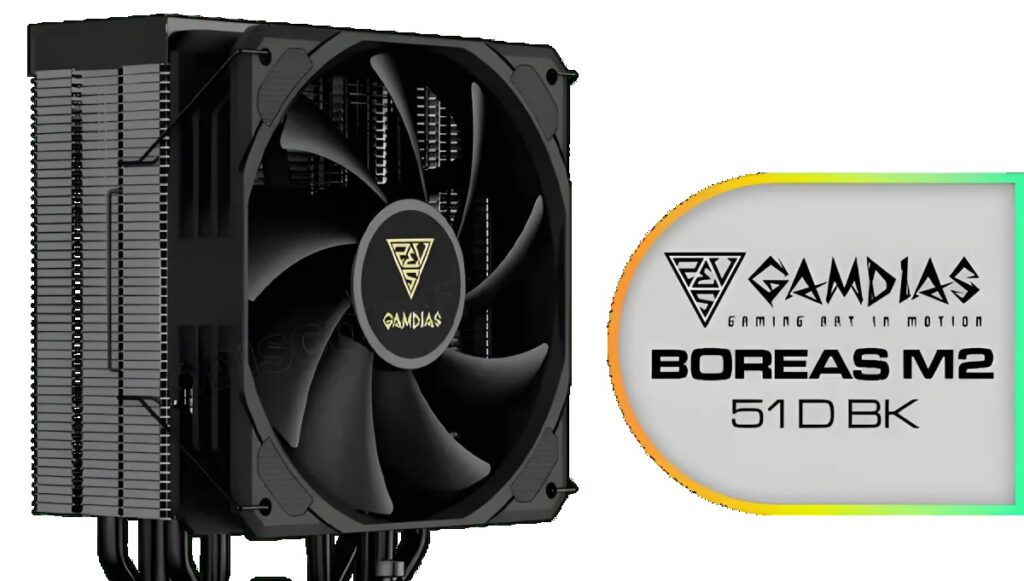
- Dual tower air CPU cooler
- Gold rated semi passive PSU
- GPU tuned with undervolt and gentle fan curve
If you are still planning your budget, cross check with Gaming PC Budget Guide and Best Mid-Range Gaming PC Build.
Noise Tuning Checklist That Works
- Flatten fan curves below 60C
- Enable GPU zero RPM mode
- Undervolt GPU core
- Cap FPS to reduce heat output
- Test after 30 minutes, not quick bursts
Measure results properly with How to Test Gaming PC Performance and monitor temps using How to Monitor Temps, Clocks and Usage.
When Silence Is Not Worth Chasing
- Very small compact cases
- Extreme GPUs in hot rooms
- Full load rendering all day
In those cases, aim for quieter, not silent. Physics still wins.
Silent PC Build FAQs
Can a gaming PC really be silent?
Near silent at idle and very quiet under load is realistic. Completely silent under heavy gaming load is not.
Are AIO coolers quieter than air coolers?
High quality ones can be, but cheap AIO pumps often add constant noise. Large air towers are usually safer for quiet builds.
Does undervolting reduce noise?
Yes. Lower voltage means less heat, which means slower fans.
Do silent cases run hotter?
Closed silent cases often do. Airflow focused cases with slow fans are usually quieter in real gaming.
How many fans does a quiet build need?
Usually three to four large fans is enough if airflow paths are clear.
Bottom line: A quiet gaming PC is built on airflow, efficient parts, and smart tuning. Get those right and the jet engine under your desk becomes a low hum instead. For deeper low-noise hardware testing and historical acoustic benchmarks, see the archives at Silent PC Review.