Updated 18/08/2026: EA FC 26 can feel brutal when you first start playing. One wrong preset, a few bad settings, and suddenly every pass goes to the wrong player and your defenders move like traffic cones. These EA FC 26 tips for beginners will help you learn how to play FC 26 without trying to master everything at once.
We will start with the right gameplay preset and beginner settings, then cover the basics of passing, attacking and defending, the best modes to learn in, and the mistakes that make FC 26 harder than it needs to be. You will also get a simple 15-match practice plan to help turn those basics into habits before you jump into tougher matches.
1. The Two EA FC 26 Gameplay Presets Explained

EA FC 26 gives you two main gameplay presets: Competitive and Authentic. Choosing the right one matters when you are learning because they create noticeably different styles of football.
Competitive: Faster And Built For Online Play
Competitive is the faster, more responsive preset and is designed around online play. Matches reward quicker decisions, fast passing and being comfortable under pressure.
- Faster, more responsive gameplay
- Less time to make decisions on the ball
- Better preparation for online matches
Best for: Players comfortable with football games or beginners who specifically want to learn online play.
Authentic: Slower And Easier To Learn
Authentic slows things down and aims for a more realistic style of football. That extra breathing room can make it easier to learn positioning, passing lanes and when to move the ball forward.
- More deliberate build-up play
- More time to read space and passing options
- Better suited to learning without constant online pressure
Best for: New players, returning players and Career Mode users.
Which EA FC 26 Preset Should A Beginner Use?
If you are learning how to play EA FC 26, start with Authentic. Use it to learn passing, positioning and defending without rushing every decision. Once those basics feel natural, move to Competitive if you plan to play online.
2. Best EA FC 26 Settings For Beginners
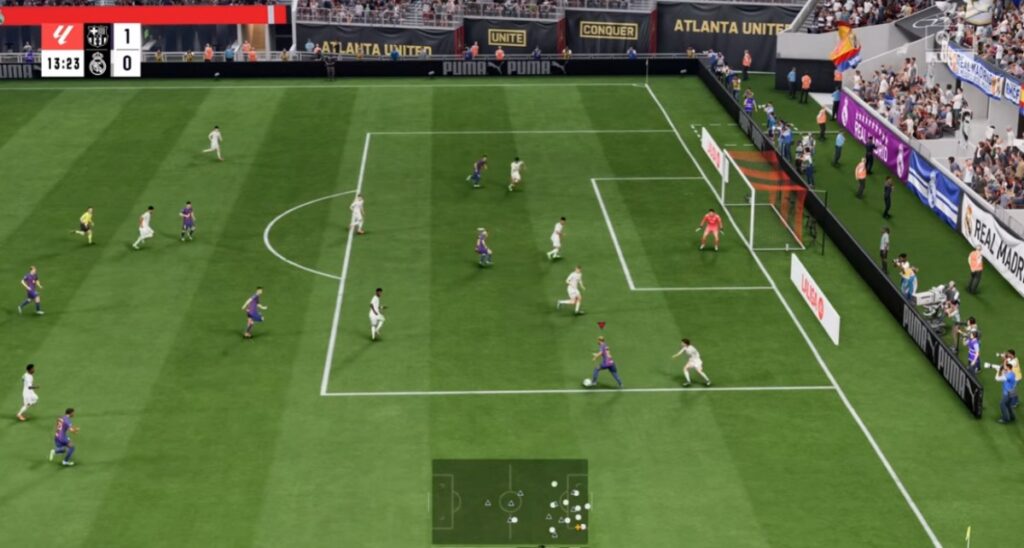
You do not need to copy every competitive setting before learning how to play FC 26. Start with settings that make the pitch easier to read, reduce unnecessary complexity and help you make consistent inputs.
Camera Settings That Help You Read The Field
- Camera: Start with Tele Broadcast or Co-Op
- Height and zoom: Adjust them until you can clearly see nearby passing options and enough of the midfield to plan your next move
- Keep it consistent: Avoid changing your camera after every bad match
Use the same camera for at least three matches before changing it. The goal is not to copy somebody else’s perfect setup; it is to make player positioning and passing lanes easy for you to read.
Controller Settings For Consistency
- Passing and shooting assistance: Use assisted or semi-assisted options while learning
- Timed Finishing: Leave it off initially so you can concentrate on creating good shooting chances
- Analog Sprint: Keep it consistent rather than repeatedly changing how sprinting feels while you learn
Beginner settings should remove distractions, not play the game for you. Once passing, defending and shooting feel natural, you can experiment with more manual controls one setting at a time.
Reduce Input Lag And Stuttering
If you play FC 26 on PC, poor performance can make your controls feel inconsistent even when your settings are fine. Use your display’s Game Mode where available, close unnecessary overlays or recording software, and check for stuttering before assuming every slow response is a gameplay mistake.
If FC 26 still feels inconsistent, use our MSI Afterburner monitoring guide to check what your PC is doing while you play.
3. Learn The Basics: Passing, Attacking And Defending
If you are learning how to play FC 26, forget complicated skill moves and advanced tactics for now. Your first goal is much simpler: keep the ball, create good chances and defend without pulling your team out of shape.
Passing: Stop Forcing The Ball Forward
You do not have to attack with every pass. Look for the simple option, use short passes to keep possession, and recycle the ball sideways or backwards when the forward lane closes. Losing the ball with a hopeful through pass usually creates more trouble than starting the attack again.
Attacking: Use Space Before You Use Skill Moves
Avoid sprinting everywhere just because you have the ball. Sprint when space opens up, slow down when defenders are close, and concentrate on creating a clear shooting opportunity rather than forcing a difficult shot. Simple attacks are easier to repeat while you learn.
Defending: Protect Your Shape First
One of the easiest beginner mistakes is dragging a centre-back toward the ball and leaving space behind. When possible, defend with a midfielder first, stay between the attacker and your goal, and use jockeying instead of diving into every tackle.
You do not need to master all three at once. Get comfortable keeping possession first, then work on defending your shape and finally start improving how you create chances. That same progression forms the basis of the 15-match training plan later in this guide.
4. Which EA FC 26 Mode Should Beginners Start With?
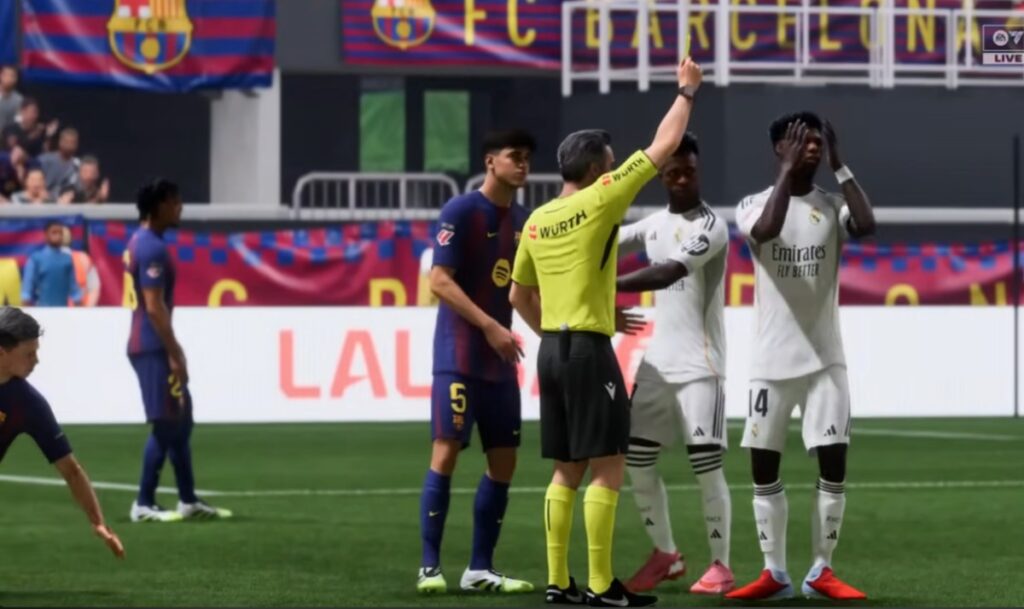
You can learn FC 26 online, but you do not need competitive pressure while you are still figuring out passing, defending and positioning. Start somewhere that gives you time to make mistakes and repeat the basics.
Career Mode Is A Good Place To Learn Full Matches
Career Mode gives you repeated matches without the pressure of playing against experienced online opponents. Use it to practise formations, passing, defensive positioning and chance creation while gradually increasing the difficulty as you improve.
When Should You Start Playing Online?
Move online when you can keep possession without constantly forcing passes, defend without dragging players badly out of position, and create chances deliberately. You do not need to be good enough to win every match; you just need enough control that your mistakes teach you something.
5. EA FC 26 Archetypes And PlayStyles Explained Simply

If you are playing Clubs or Player Career, Archetypes determine the type of player you are developing. FC 26 has 13 Archetypes inspired by great players, with different strengths and progression paths rather than one created player who is equally good at everything.
What Does An Archetype Actually Do?
Your Archetype gives your player a starting identity. As you earn Archetype XP, you can improve attributes and unlock abilities that develop that style further. In Clubs, Archetypes also have Signature PlayStyles and Perks that become more powerful as you progress.
Which Archetype Should A Beginner Choose?
Do not worry about finding the perfect meta build when you are starting out. Choose an Archetype that matches the position and type of football you actually want to play, then stick with it long enough to learn that role. A striker should prioritise what helps them create and finish chances, while midfielders and defenders should build around the jobs they perform most often.
The important beginner rule is consistency. Constantly changing Archetypes or chasing advanced builds makes it harder to learn positioning and decision-making, which matter far more while you are still learning FC 26.
6. Beginner Mistakes That Make FC 26 Harder

Once you understand the basics, improvement often comes from making fewer bad decisions rather than learning more advanced mechanics. If FC 26 still feels chaotic, check whether you are making these common beginner mistakes.
Stop Forcing Every Attack Forward
If the forward pass is not there, do not force it. Recycle the ball sideways or backwards and wait for another opening. A winger receiving the ball with nowhere to go does not need to beat a defender every time.
Do Not Sprint And Dribble Into Traffic
Sprinting is useful when space opens up, but constantly holding sprint makes it easier to run straight into pressure. Slow down around defenders, protect the ball and use the simple pass when the space disappears.
Protect Your Defensive Shape
When you lose the ball in midfield, resist the urge to charge forward with a centre-back. Switch to a midfielder when possible, protect the space in front of your defence and use jockeying or containment before committing to a tackle.
Create Better Shots Instead Of More Shots
Do not shoot simply because you can see the goal. Work the ball into a better position and favour clear chances inside the box. Learning to recognise a good shooting opportunity will help more than repeatedly trying difficult shots.
Stop Changing Everything After A Bad Match
Do not change your camera, controls, tactics and player build every time you lose. Constant changes make it harder to tell whether you are actually improving. Keep your basic setup consistent for several matches and concentrate on fixing one weakness at a time.
7. Your First 15-Match EA FC 26 Training Plan
The fastest way to improve is not trying to learn everything in every match. Use your first 15 matches to concentrate on one part of the game at a time, then combine those skills once they start becoming habits.
| Matches | Focus | What You Should Practise |
|---|---|---|
| 1–5 | Camera and passing | Keep possession, look for simple passes and stop forcing the ball forward. |
| 6–10 | Defensive positioning | Protect your shape, defend with midfielders when possible and stop dragging centre-backs toward the ball. |
| 11–15 | Chance creation | Use space, choose better shooting opportunities and create chances instead of rushing attacks. |
| After 15 | Put it together | Combine all three skills and move to Competitive or online play when you feel ready. |
Do not judge progress only by wins and losses. If you are giving the ball away less often, keeping your defensive shape and creating better chances by match 15, you are improving even if the scoreline does not always show it.
8. What To Learn Next
These EA FC 26 tips for beginners give you the foundation, but improvement comes from repeating the basics until you no longer have to think about them. Stick with one setup, work through the 15-match plan, and only start adding advanced tactics and mechanics once passing, defending and chance creation feel comfortable.
If you understand the basics but your results still are not improving, read why you keep losing in EA FC to identify what is holding you back. You can also check the official EA Sports FC 26 page for current game features and updates.