
Updated: January 2026. This article has been reviewed for accuracy and relevance, with refreshed context around AI-driven display features and how they fit into modern gaming hardware setups.
AI in gaming hardware has spent years being more buzzword than benefit. From “smart” features that never quite worked to settings menus bloated with options nobody asked for, most gamers learned to tune it out. That is exactly why MSI AI QD-OLED Gaming Monitor monitor stands out. Instead of promising magic, it quietly solves real problems in the background, things like brightness management, burn-in protection, and constant manual tweaking. If OLED is on your radar, also check my best gaming monitors by budget guide to compare it against cheaper and mid-range picks.
This article explains why MSI’s AI QD-OLED gaming monitor matters in the broader gaming hardware landscape. It is not a traditional hands-on review, but a breakdown of what the technology does, why it exists, and where it fits in a modern gaming setup.
If you are weighing this screen against other panels or trying to understand where it fits in today’s monitor market, our Best Gaming Monitors Guide lays out the full landscape and links back here for deeper context.
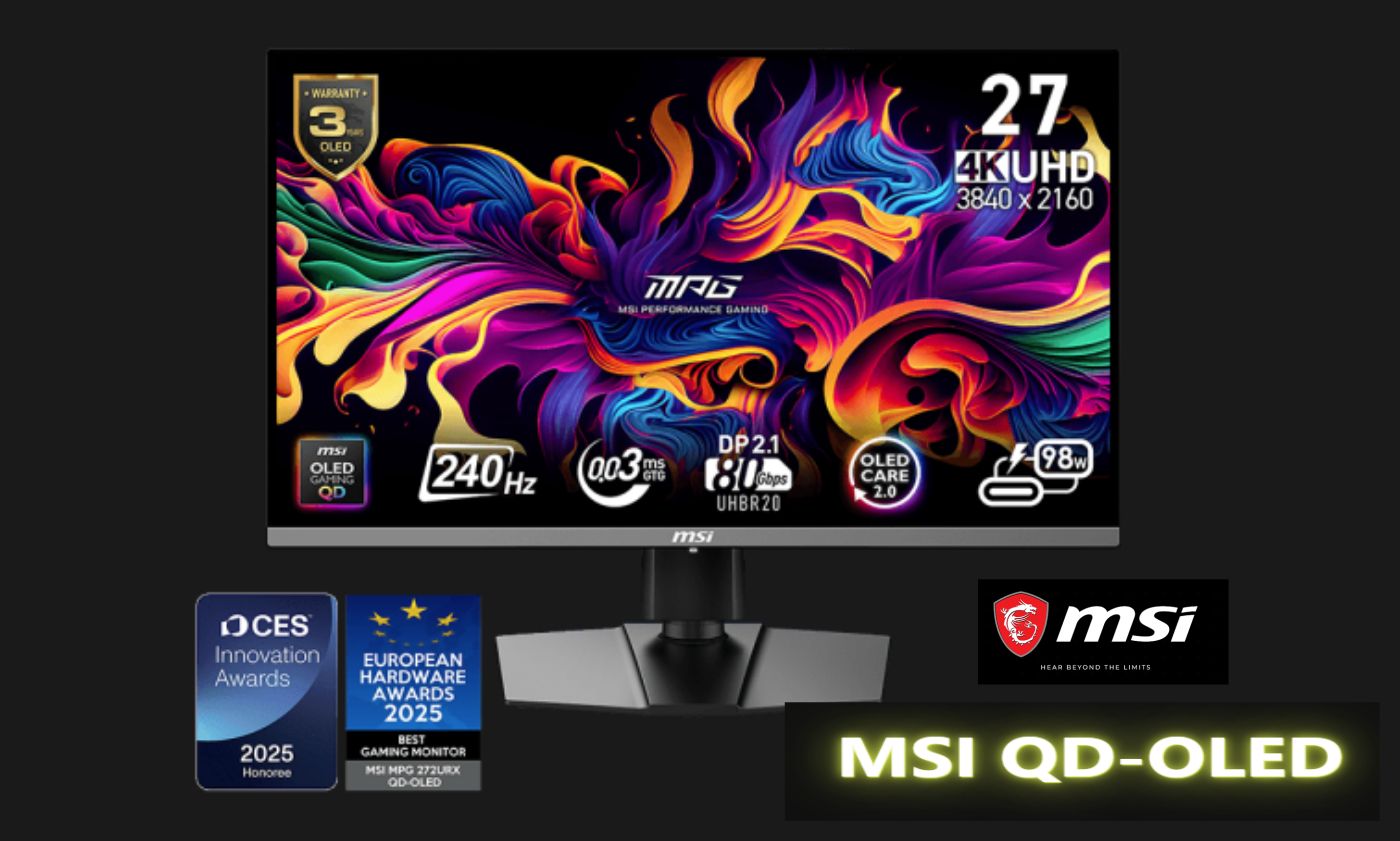
MSI MPG 272QR QD-OLED X50, Specs That Actually Matter
This is not just another spec-heavy monitor announcement designed to look impressive on a product page. The MSI MPG 272QR QD-OLED X50 pushes a 500Hz refresh rate paired with a 0.03ms response time, which places it firmly at the extreme end of competitive gaming displays. Motion clarity is the priority here, and for fast-paced shooters or esports titles, that matters more than raw resolution.
On the image quality side, the panel delivers 99% DCI-P3 color coverage alongside VESA ClearMR 21000 and DisplayHDR True Black 50 certifications. In real-world terms, blacks look genuinely black, highlights pop without washing out the image, and dark scenes remain readable without constant brightness adjustments.
AI Care Sensor, The Feature That Changes Everything
The real differentiator is the built-in AI Care Sensor. Rather than acting as a flashy overlay or performance gimmick, it focuses on usability and longevity. The sensor checks for human presence every 0.2 seconds, adjusting brightness dynamically when you are seated and activating OLED protection when you step away.
This means fewer manual tweaks, less worry about static elements causing burn-in, and a display that quietly looks after itself. The key point is that it does this without interrupting gameplay or forcing you into settings menus mid-session.
Why AI in Gaming Hardware Finally Makes Sense
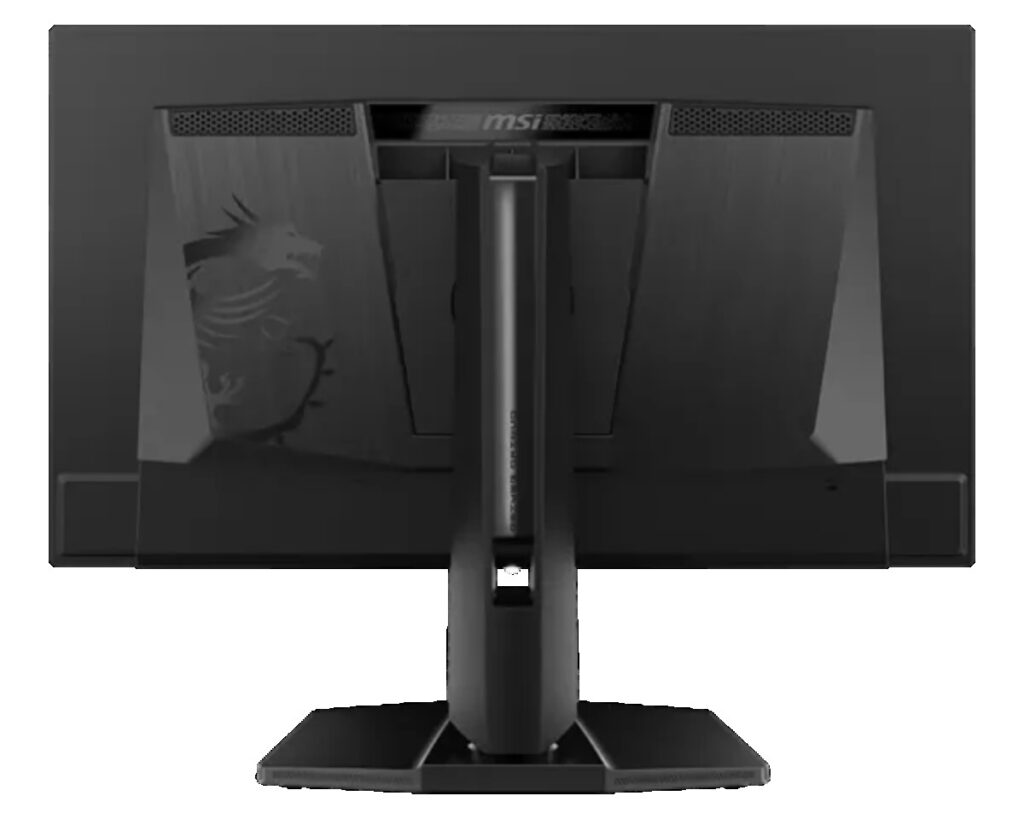
This monitor is part of a broader shift where AI in hardware is finally doing useful work. Modern GPUs use intelligent upscaling and frame generation to extract more performance without brute-force power draw. Handheld PCs lean on AI-assisted power management to stretch battery life. In the same way, MSI’s approach applies AI to the weakest point of OLED displays, long-term care and consistency.
Instead of asking gamers to trust marketing claims, the technology solves problems most users already deal with, inconsistent brightness, burn-in anxiety, and constant micro-adjustments between games.
Where This Monitor Fits in a Modern Setup
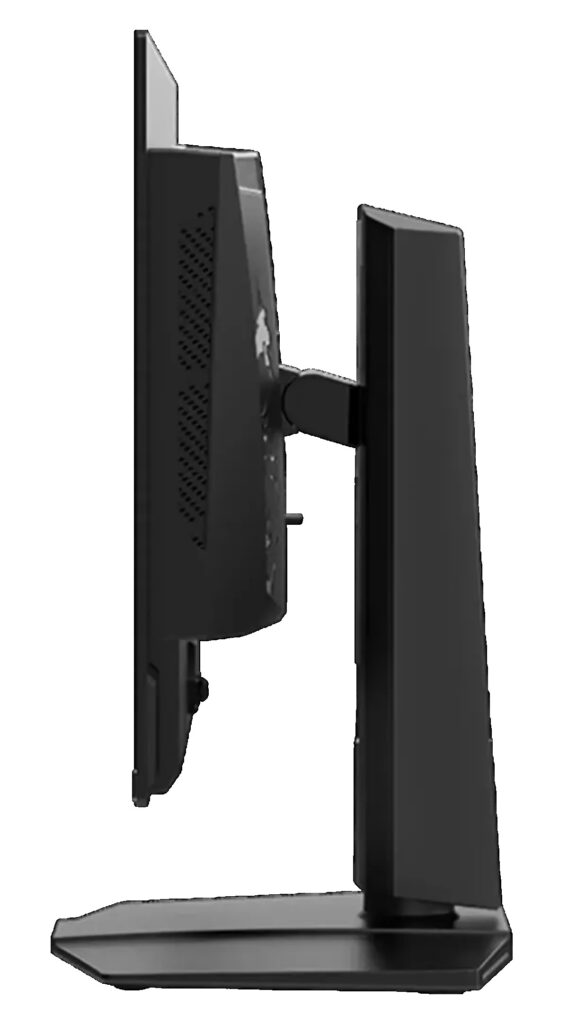
No matter how powerful your PC is, the monitor is the final bottleneck. A high-end GPU paired with a weak display wastes potential. Displays like this one exist to remove that ceiling, especially for players who value clarity, responsiveness, and consistency over raw pixel count.
This is not a monitor for everyone. It is aimed squarely at competitive players, enthusiasts, and early adopters who want a screen that keeps up with the fastest hardware available. For guidance on balancing your entire setup, from GPU choice to airflow and power delivery, keep our Gaming PC Hardware Guide close by.
Upgrade Now or Wait?
As with any cutting-edge display, pricing will sit at the premium end. If your system already pushes high frame rates, a monitor like this unlocks that performance properly. If you are still on older hardware, upgrading in stages often makes more sense, GPU first, display second.
The upside is longevity. Features like automated OLED protection mean this is not a short-term purchase. With proper care, the panel itself could outlast multiple GPU upgrade cycles.
Quick Specs at a Glance
- Panel: 27-inch QD-OLED
- Resolution: 2560 × 1440 (QHD)
- Refresh Rate: 500Hz
- Response Time: 0.03ms (GtG)
- Color: 99% DCI-P3, 100% sRGB
- Certifications: VESA ClearMR 21000, DisplayHDR True Black 50
- Connectivity: HDMI 2.1, DisplayPort 2.1, USB-C with DP Alt Mode
- Key Feature: AI Care Sensor for brightness control and OLED protection
Final Takeaway
Most new gaming hardware is faster, flashier, and more expensive. This monitor stands out because it is also smarter. By removing small but constant annoyances, MSI’s AI QD-OLED approach makes high-end gaming feel easier and more reliable. MSI’s AI Care Sensor approach aligns closely with the company’s official design goals for OLED longevity, which MSI outlines on its product specification page. The broader issue of OLED burn-in and automated mitigation has also been covered in depth by RTINGS’ OLED burn-in analysis, reinforcing why hardware-level protection matters long term.
It is not about chasing specs for the sake of it. It is about letting the hardware handle itself so you can focus on the game. And honestly, that is the kind of progress PC gaming has needed for a long time.